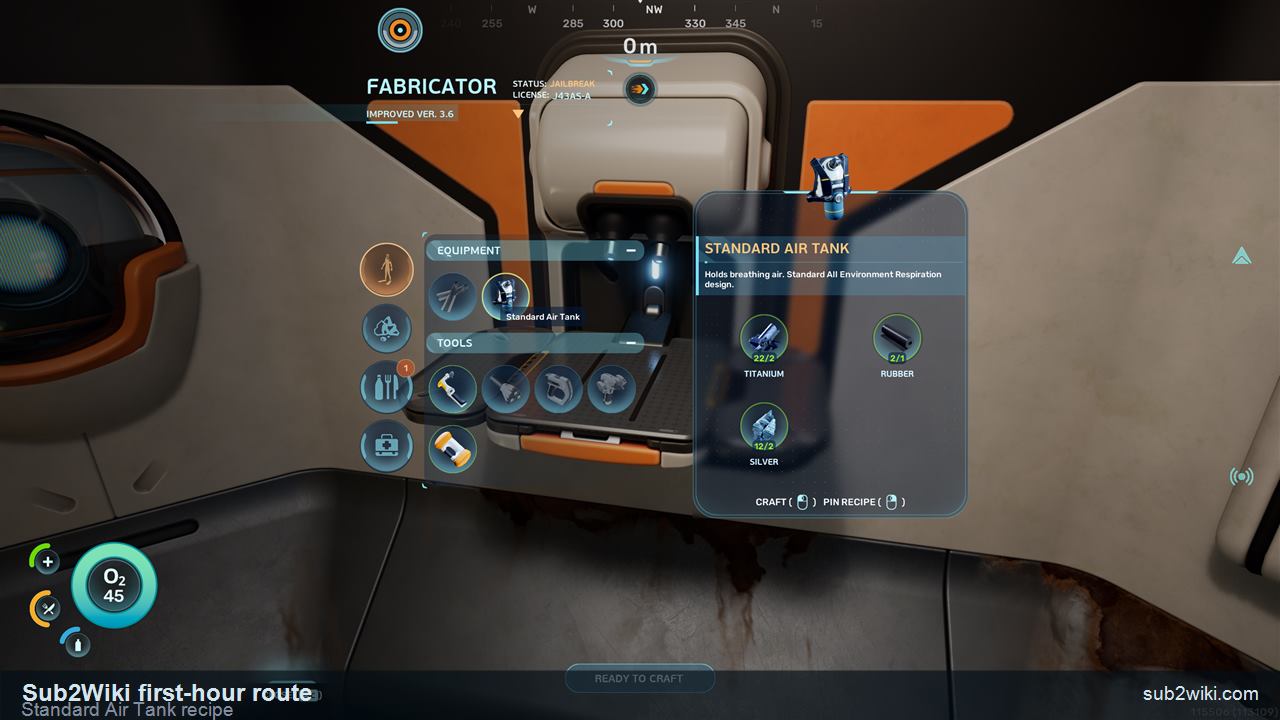
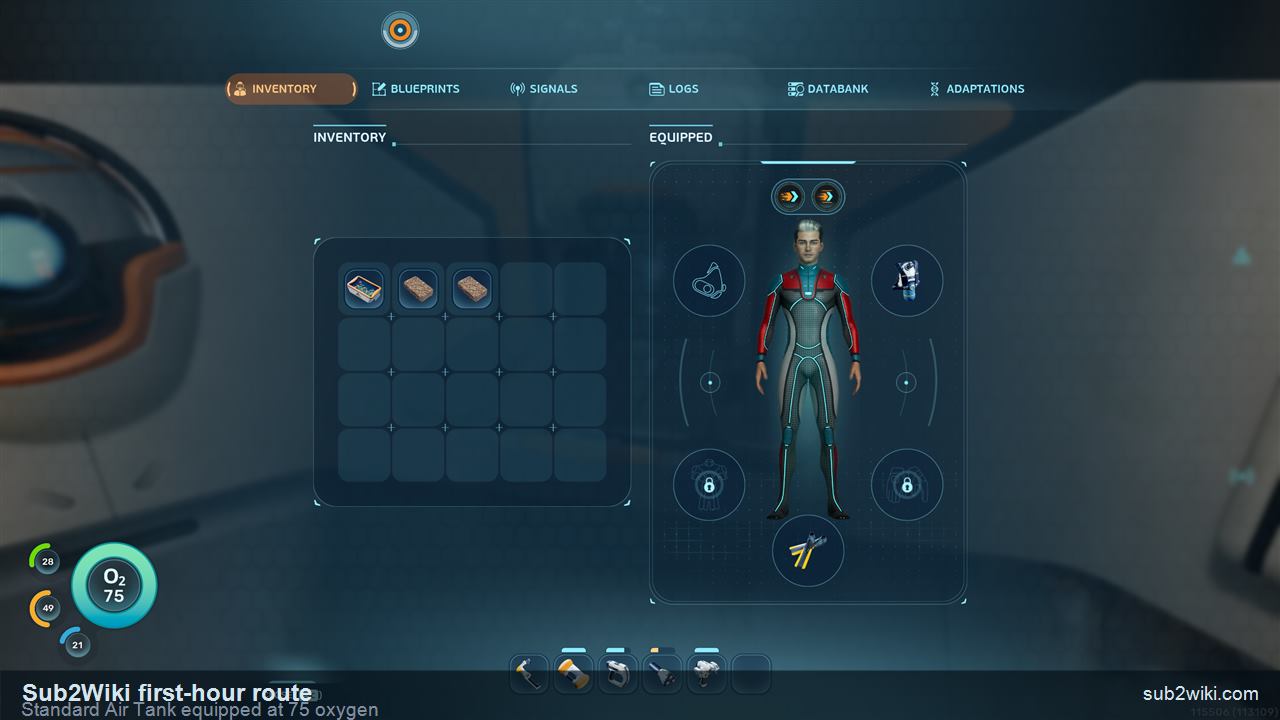
First-hour route

What To Do After The Prologue

This route starts right after NOA Launch. The goal is simple: orient at the surface, secure the starter supplies, read NOA, pin the basic tool recipes, make a short Titanium / Quartz dive, craft your first Survival Multitool, collect nearby Fibrous Pulp, make Rubber and Fiber, craft Basic Fins, use Scanner, turn Water Slug into Water, learn Air Bladder oxygen, then stabilize storage and powered tools.

Short version. Use the World Tree and compass as your landmark, open the locker for three Nutrient Blocks and an Aid Kit, ignore corrupted Fabricator rows, read NOA, pin the basic tool trio in Blueprints, manual save, gather nearby Titanium and Quartz, craft the Survival Multitool, grab Fibrous Pulp near the Lifepod, craft Rubber and Fiber, make Basic Fins, use Scanner, catch Water Slug, craft Water, press F to inhale from Air Bladder underwater or right-click for fast ascent, make Portable Storage, then check the Scanner battery bar and Air Bladder oxygen bar.

Written from our own PC survival route. Last updated 2026-06-08.

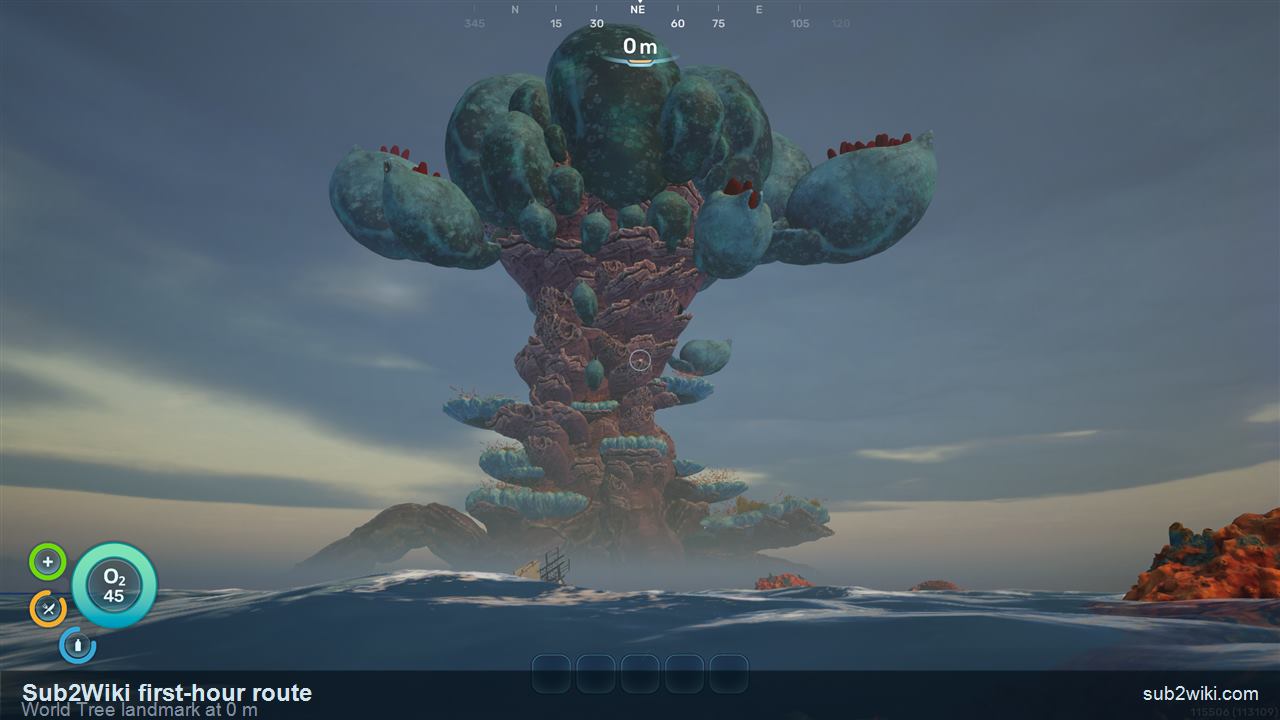
World Tree landmark, 0 m depth, and compass after the Subnautica 2 prologue.
Prologue

Finish the opening route first

Clear the prologue before starting this plan: open the PDA, use NOA, restore O2, pick up the Aid Kit and Water, make the first dive, assign the biological bed, release the stuck escape pod, and press Launch.

0-10 min

Orient, check supplies, and pin recipes

Do not swim off immediately. Use the World Tree and compass as your first landmark, open the storage locker, check the Fabricator, read NOA, then pin the basic tool recipes in PDA -> Blueprints.

10-25 min

Make short material dives

Manual save, dive briefly, pick up nearby Titanium and Quartz, and return before oxygen pressure turns the route into a recovery problem. The goal is not distance yet; it is getting the first tool materials home.

25-45 min

Turn plant pickups into Basic Fins

With the Survival Multitool made, keep the Lifepod / Fabricator as your return point, collect Fibrous Pulp, then craft Rubber from Lucifer Rotsac, Fiber from Fibrous Pulp, and Basic Fins from Rubber plus Fiber.

45-60 min

Stabilize water, oxygen, storage, and powered tools

Use the Scanner during a short loop, catch a Water Slug, craft Water, practice Air Bladder F oxygen and right-click ascent, then make Portable Storage and Basic Battery before stretching the route.

The first safe loop

  1. 1.Finish the prologue and press Launch.
  2. 2.Use the World Tree, 0 m depth, and top compass to orient.
  3. 3.Open the starter storage locker and note the emergency food.
  4. 4.Check the Fabricator, but skip corrupted recipe rows.
  5. 5.Open the new NOA message before leaving.
  6. 6.Pin the basic tool recipes in PDA -> Blueprints.
  7. 7.Manual save before going underwater.
  8. 8.Collect nearby Titanium and Quartz.
  9. 9.Return to the workbench and craft the Survival Multitool.
  10. 10.Use the HUD coordinates to collect Fibrous Pulp near the Lifepod.
  11. 11.Use Lucifer Rotsac and Fibrous Pulp at the Fabricator to craft Rubber and Fiber.
  12. 12.Craft Basic Fins from Rubber and Fiber, then confirm they are equipped.
  13. 13.Use the Scanner during a short safe loop.
  14. 14.Catch a Water Slug and craft Water at the Fabricator.
  15. 15.Use Air Bladder underwater with F for oxygen or right-click for fast ascent, then surface so its stored oxygen refills.
  16. 16.If night falls, enjoy the view but re-check oxygen and return direction.
  17. 17.Make Portable Storage before inventory becomes the problem.
  18. 18.Craft a Basic Battery for the powered-tool chain.
  19. 19.Read Scanner and Air Bladder blue bars before longer dives.

Confirmed early crafting cluster

Keep this list nearby while you work through the first hour. These are the early materials, tools, and survival items that turn the opening route from "where do I go?" into a repeatable gather, craft, return loop.
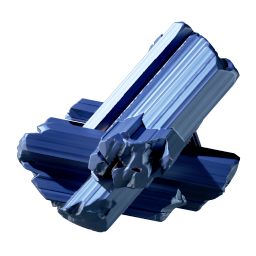
Titanium inventory icon in Subnautica 2.

Titanium

Nearby material

Nearby starter material for the Survival Multitool and early construction chain.
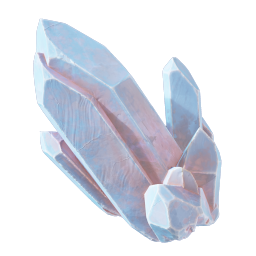
Quartz inventory icon in Subnautica 2.

Quartz

Nearby resource

Nearby starter resource that belongs in the same pinned Blueprint pass.
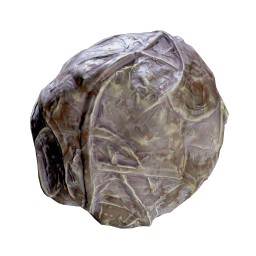
Fibrous Pulp inventory icon in Subnautica 2.

Fibrous Pulp

Starter harvest

Gather it near the Lifepod and check nearby living harvest sources before swimming farther out.
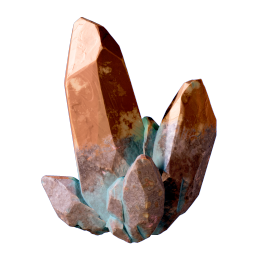
Copper inventory icon in Subnautica 2.

Copper

Battery material

Used in the Basic Battery route and early powered-tool planning.

Acidic Raion Pouch inventory icon in Subnautica 2.

Acidic Raion Pouch

Battery-chain resource

Biological material for the Basic Battery route. Older notes may call it Acid Rain Pouch.
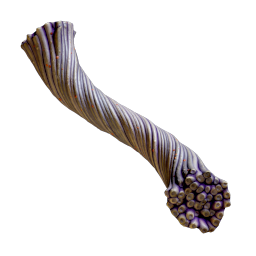
Fiber inventory icon in Subnautica 2.

Fiber

Fabricator material

Craft Fiber from Fibrous Pulp before making Basic Fins.

Lucifer Rotsac

Rubber material

Gather it for Rubber before opening the Basic Fins row.

Rubber

Fabricator material

Craft Rubber from Lucifer Rotsac for Basic Fins.

Basic Fins

Starter mobility

Craft them from Rubber and Fiber, then equip them for the swim speed boost.
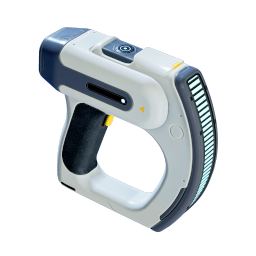
Scanner inventory icon in Subnautica 2.

Scanner

Starter tool

Use it during the same short loop instead of turning the route into a long dive.

Water Slug

Water ingredient

Catch one during the starter loop and turn it into Water at the Fabricator.

Water

Hydration craft

Craft Water from Water Slug to stabilize hydration before longer dives.
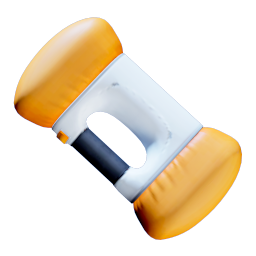
Air Bladder inventory icon in Subnautica 2.

Air Bladder

Oxygen utility

Press F underwater to inhale from it, then surface to refill the stored oxygen.
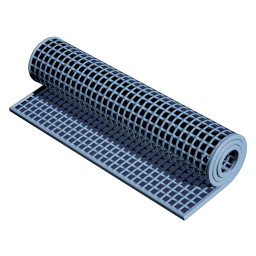
Fiber Mesh inventory icon in Subnautica 2.

Fiber Mesh

Fiber-chain material

Plan around it after the Fibrous Pulp and Fiber steps are understood.
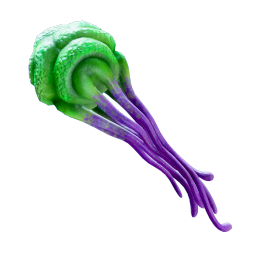
Medical Gel Sac inventory icon in Subnautica 2.

Medical Gel Sac

Medical material

Useful to remember for later first-aid crafting checks.
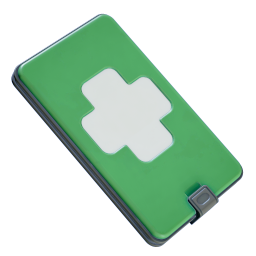
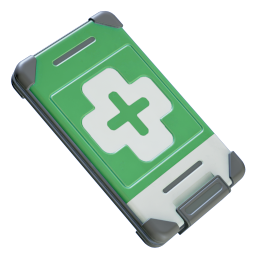
Basic First Aid Kit inventory icon in Subnautica 2.

Basic First Aid Kit

Medical supply

Starter medical planning item for recovery after early mistakes.
Subnautica 2 post-prologue surface view with the World Tree landmark, 0 m depth, and compass.
After Launch, 0 m means you are at the surface. The compass across the top is already useful.
Step 01

Use the World Tree and compass as your first anchor

After the prologue Launch, pause before swimming away. Treat the huge planet-side landmark as the World Tree and use the built-in compass at the top of the HUD as your first direction reference. This gives you a repeatable landmark before oxygen, currents, and curiosity start pulling you around.
  • 0 m is the current water depth, so this is your surface reference.
  • The compass is useful immediately, even before you place beacons.
  • Use this view to re-orient whenever the first material dive gets messy.
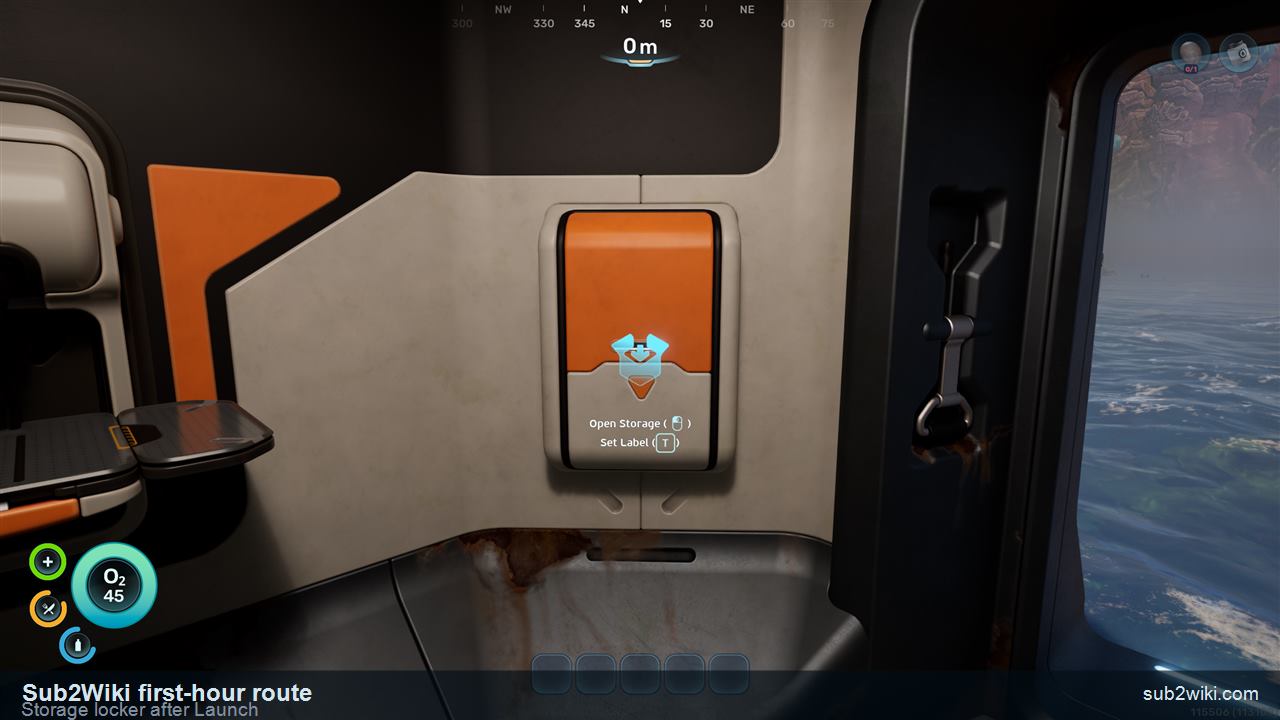
Subnautica 2 starter storage locker after the prologue.
Check the locker before crafting. It gives you enough emergency food for the opening stretch.
Step 02

Open the starter storage locker

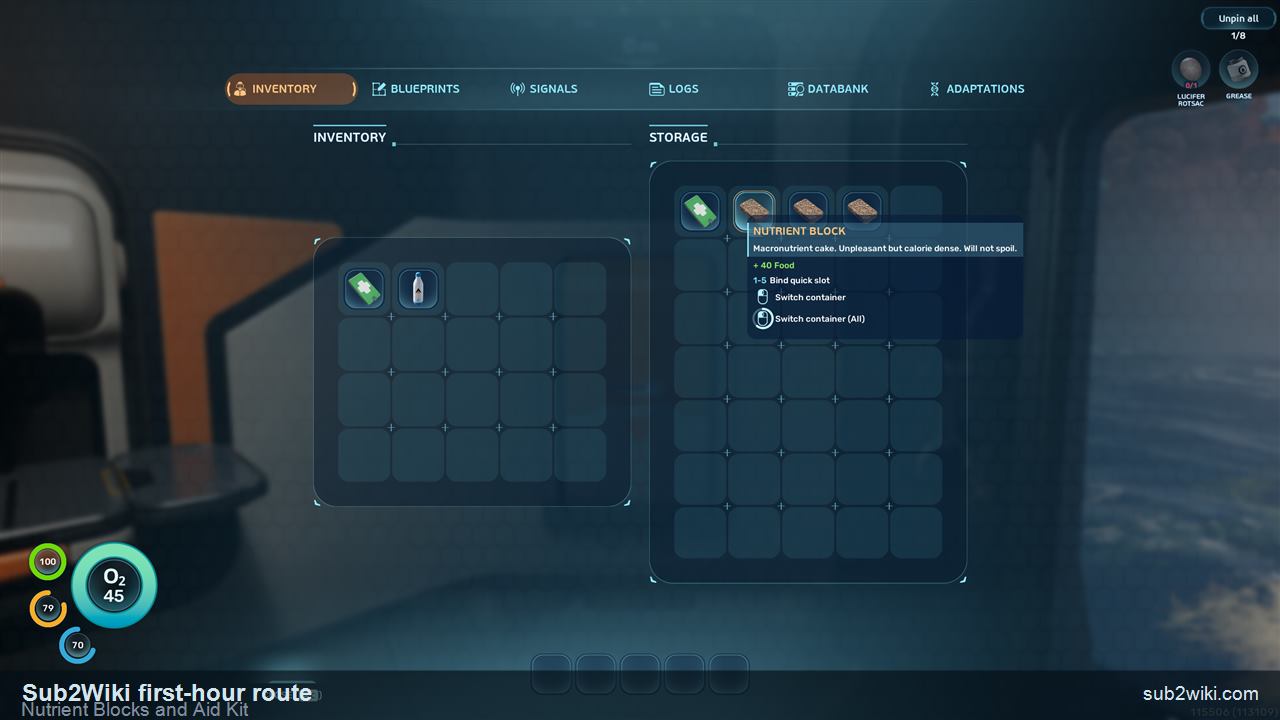
The first locker is worth opening right away. In this route it starts with three Nutrient Blocks and one Aid Kit. Each Nutrient Block restores 40 food, so three blocks are enough to carry you through the first material-gathering phase while the later food and water loop is still locked behind crafting and exploration.
  • Do not burn all three Nutrient Blocks just because they are available.
  • Use the Aid Kit as your emergency buffer while you learn nearby threats.
  • This is also your first reminder to check storage before crafting.
Subnautica 2 storage locker contents showing Nutrient Blocks and an Aid Kit.
The default locker supplies here are three Nutrient Blocks and one Aid Kit.
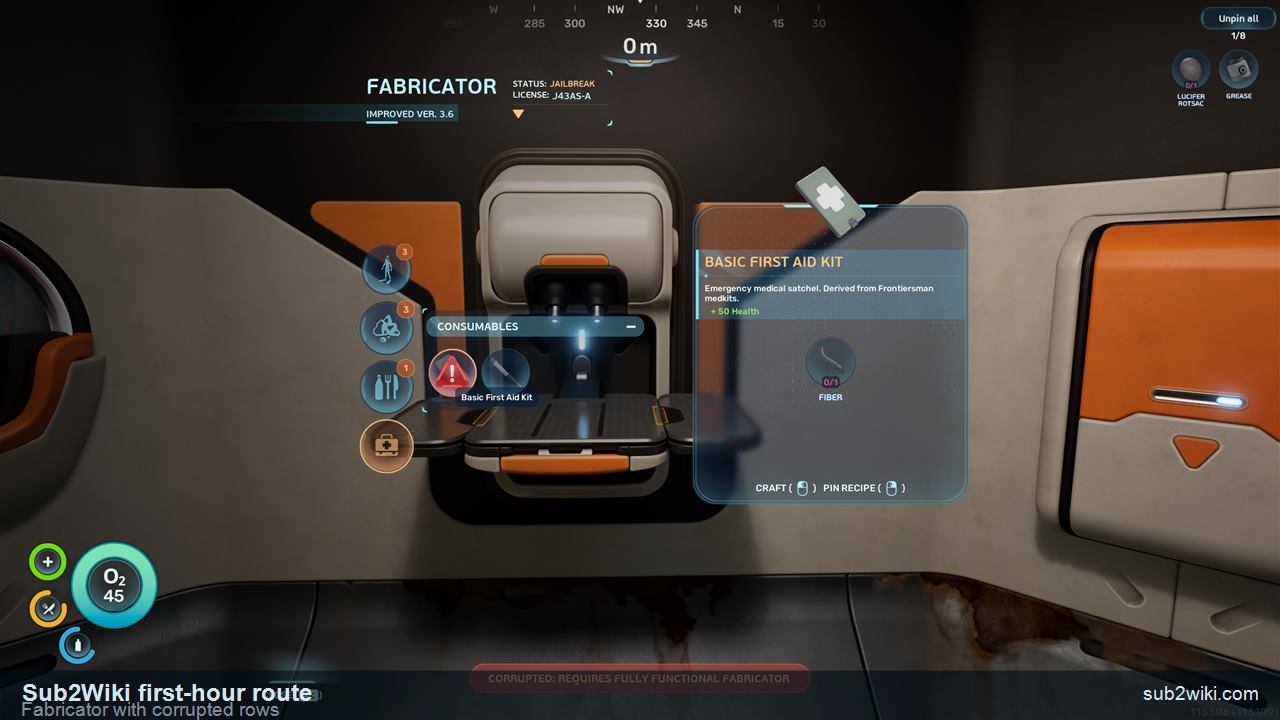
Subnautica 2 Fabricator interface with corrupted entries marked by red exclamation icons.
The Fabricator is important, but red exclamation corrupted rows are not craftable yet.
Step 03

Check the Fabricator, but ignore corrupted rows

The Fabricator is the center of the first-hour loop: gather nearby resources, come back, craft the basic tools, repeat. If a recipe row has the red exclamation corrupted marker, leave it alone for now. There is a later solution, but it is not the blocker for this first tool pass.
  • Use the Fabricator as your recipe check, not as a signal to chase every visible row.
  • Corrupted rows cannot be made in this opening state.
  • For now, focus on the basic tools whose materials you can gather nearby.
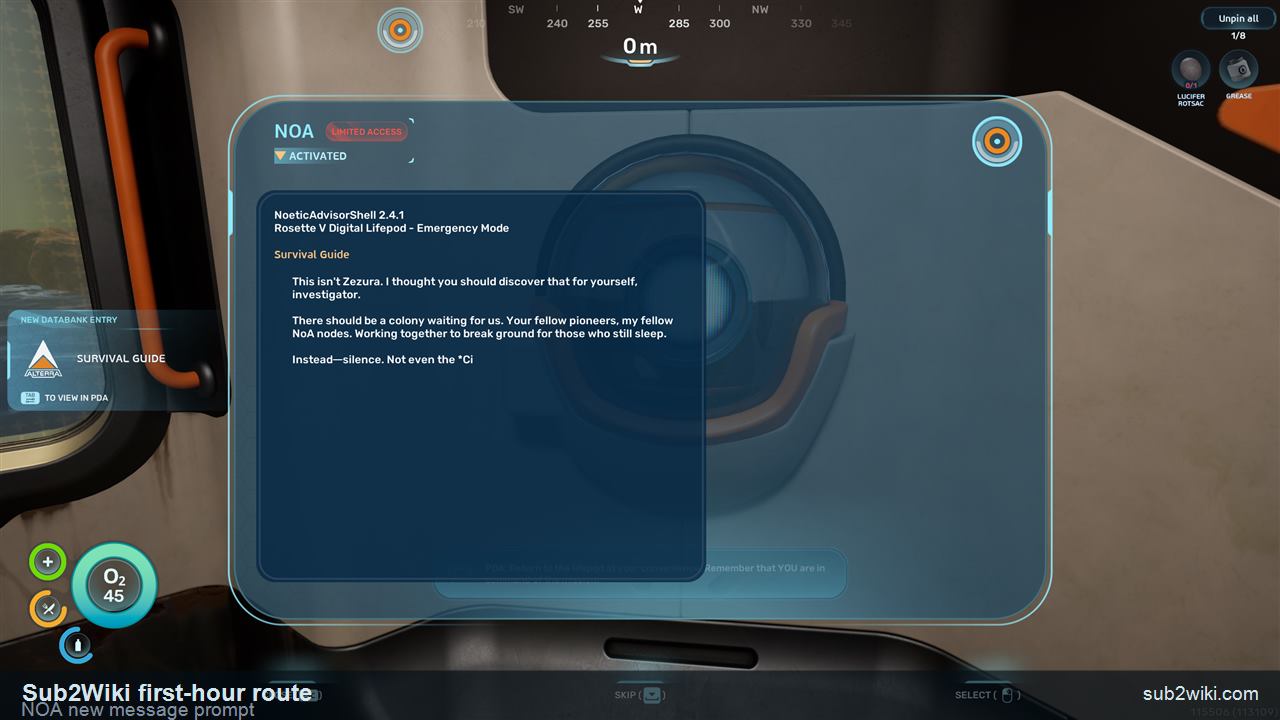
Subnautica 2 NOA interface showing a new message prompt.
When NOA has a new message, open it before wandering off.
Step 04

Read the new NOA message

When the HUD or station shows that NOA has a new message, open it promptly. In this route, reading NOA now keeps the mission chain moving so later key coordinates can arrive without you swimming around ahead of the prompts.
  • NOA is still important after the prologue.
  • Check messages before you start a long material dive.
  • If the next objective feels slow to appear, make sure the latest NOA message was opened.
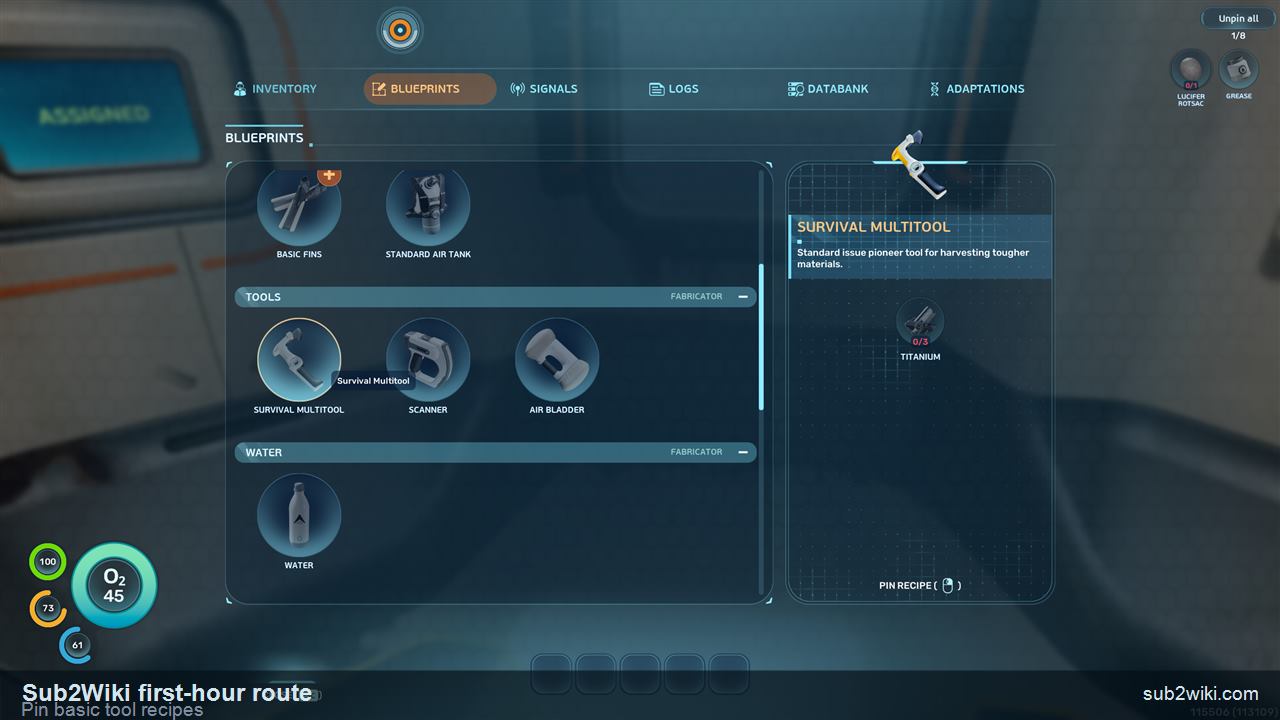
Subnautica 2 PDA Blueprints page with basic tool recipes available for pinning.
Right-click a tool recipe to keep its required materials pinned in the upper-right UI.
Step 05

Pin the basic tool recipes in Blueprints

Open the PDA, go to Blueprints, scroll down to the basic tool trio, and right-click the tools you want to craft next. Pinned recipes stay visible in the upper-right corner, which makes the first resource dive much cleaner. Use Unpin later when you want the HUD back.
  • This is the main setup step before leaving the safe area.
  • Pinning keeps Titanium, Quartz, and other needed materials visible while you swim.
  • Unpin recipes once you have crafted the tool or no longer need the reminder.
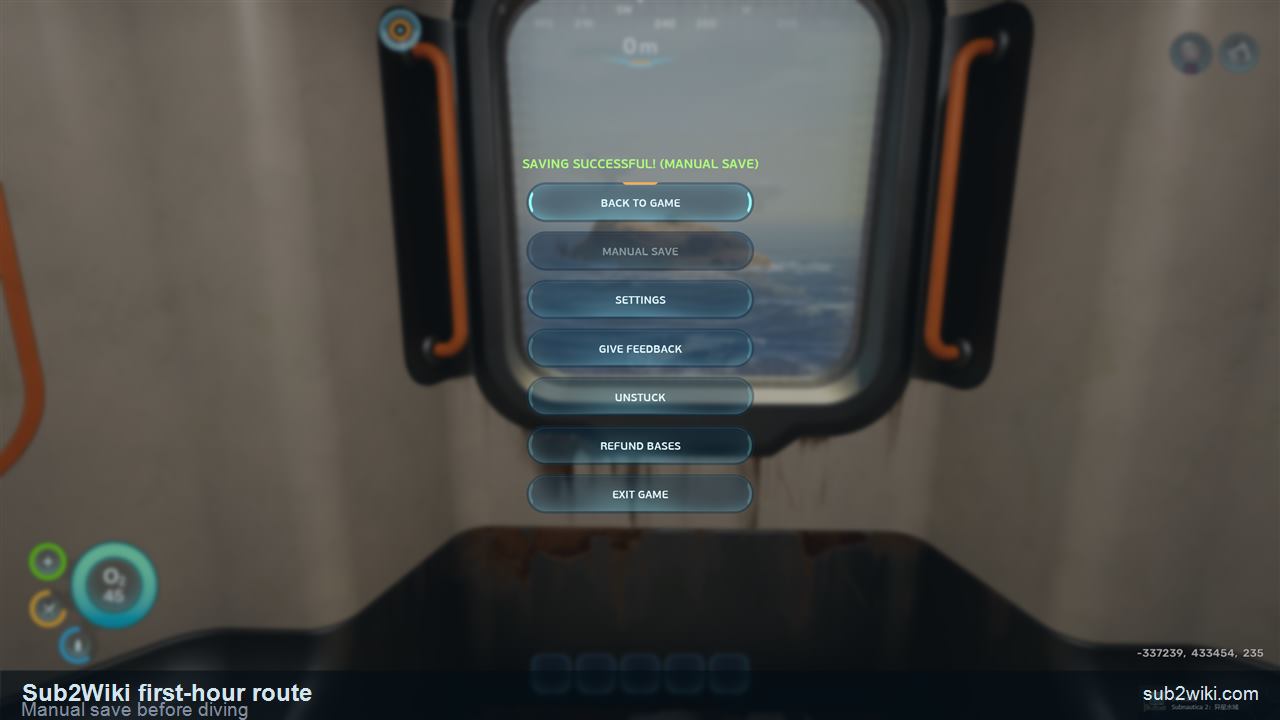
Subnautica 2 manual save screen before diving for materials.
Manual save before going underwater keeps the opening route low-risk.
Step 06

Manual save before the first material dive

Before each early dive, make a manual save. This is especially useful while you are still learning the local terrain, oxygen timing, and safe return path. Save first, then start the short loop for starter materials.
  • Treat the first dive as a short material pickup, not a sightseeing trip.
  • Save again after crafting an important basic tool.
  • This habit matters more during Early Access, where small rules can still change between patches.
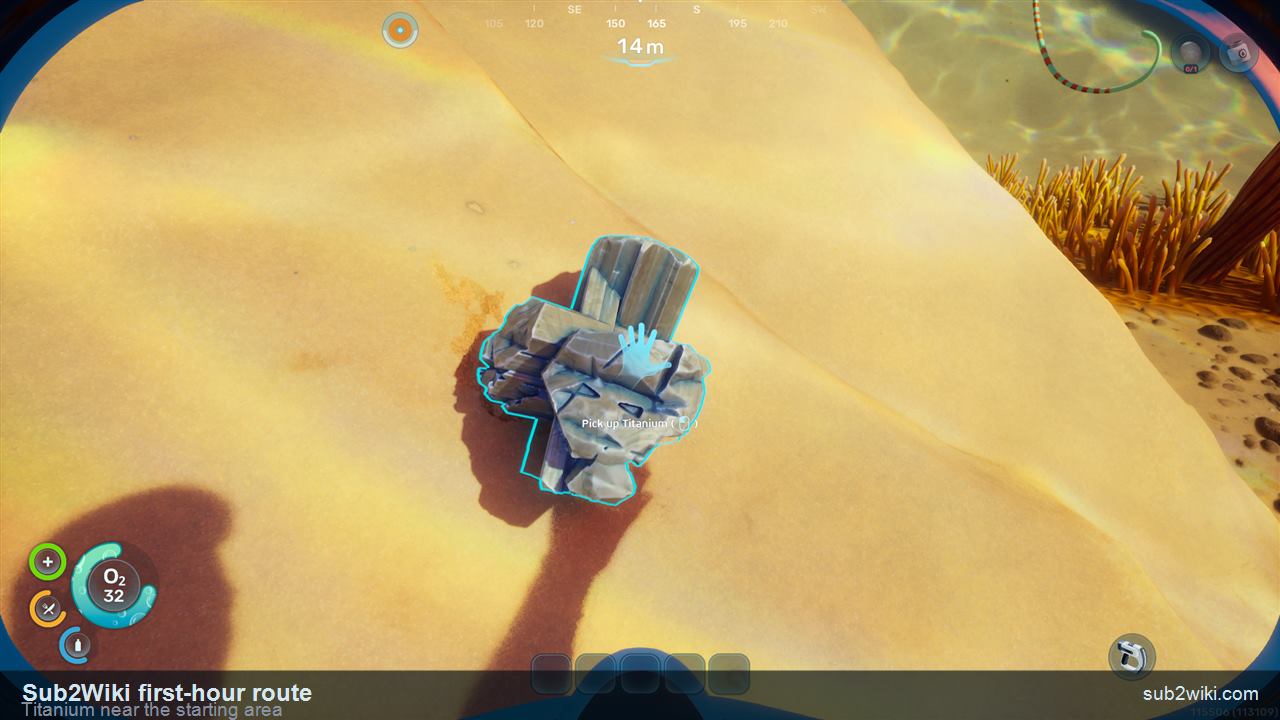
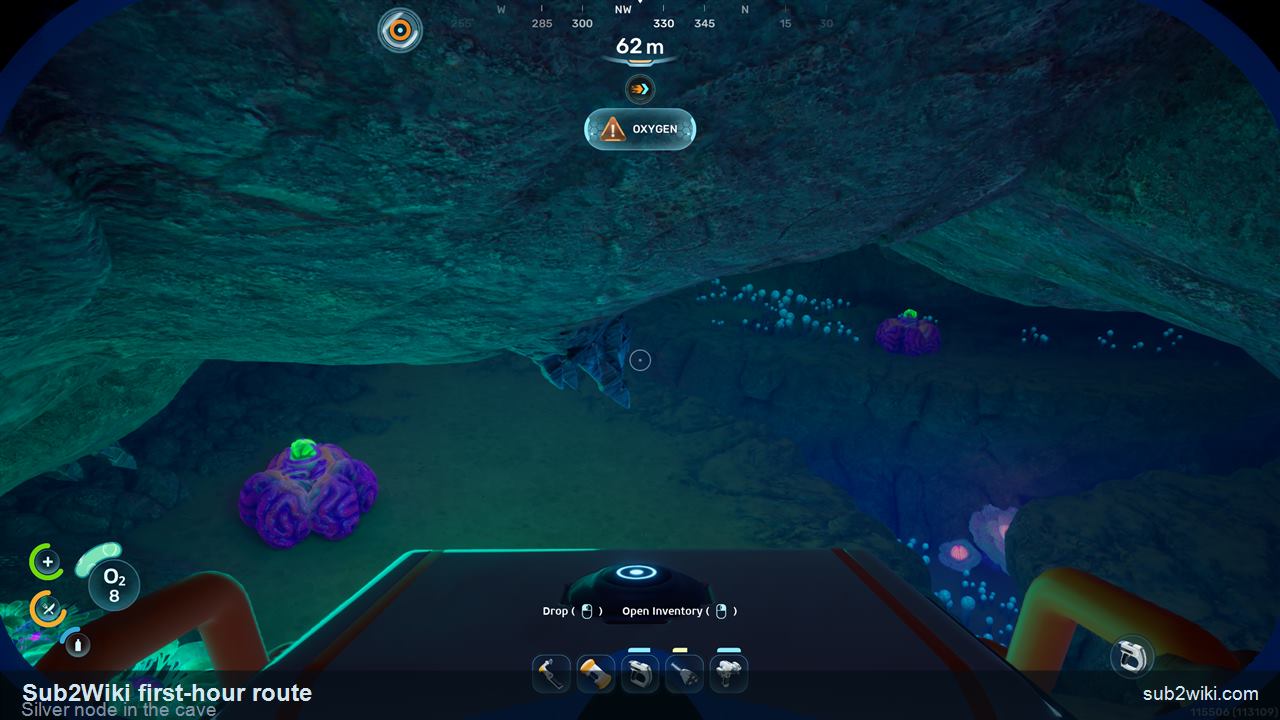
Subnautica 2 Titanium pickup near the first post-prologue area.
Titanium is close enough that you do not need a deep route for the first tool pass.
Step 07

Pick up nearby Titanium and Quartz

Start with the nearby materials. Titanium and Quartz both appear close to the starting area in this route, so do not swim far just to begin the basic tool chain. Grab what the pinned recipes ask for, surface before oxygen gets uncomfortable, and return to the Fabricator.
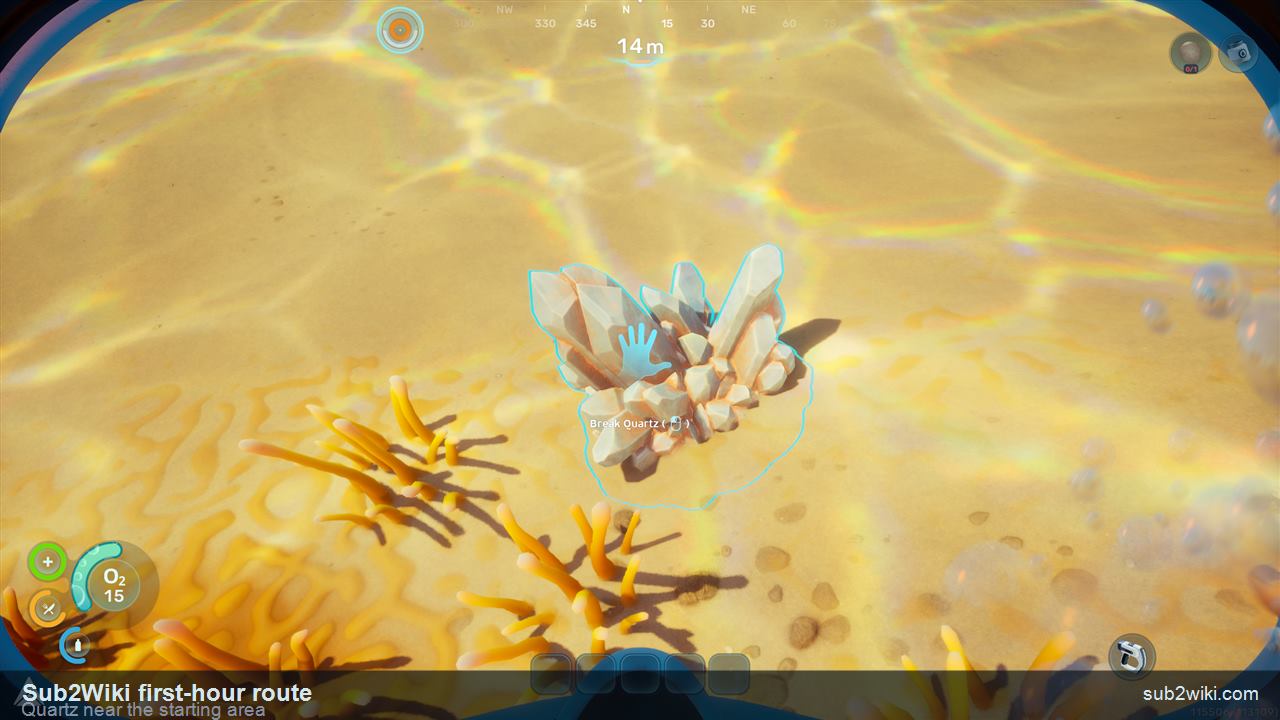
  • Titanium is a starter construction and tool material.
  • Quartz feeds the early glass and tool-prep chain.
  • A clean short loop beats a risky long dive while your tool set is still empty.
Subnautica 2 Quartz pickup near the first post-prologue area.
Quartz is also nearby. Keep the pinned recipe list visible while you collect it.
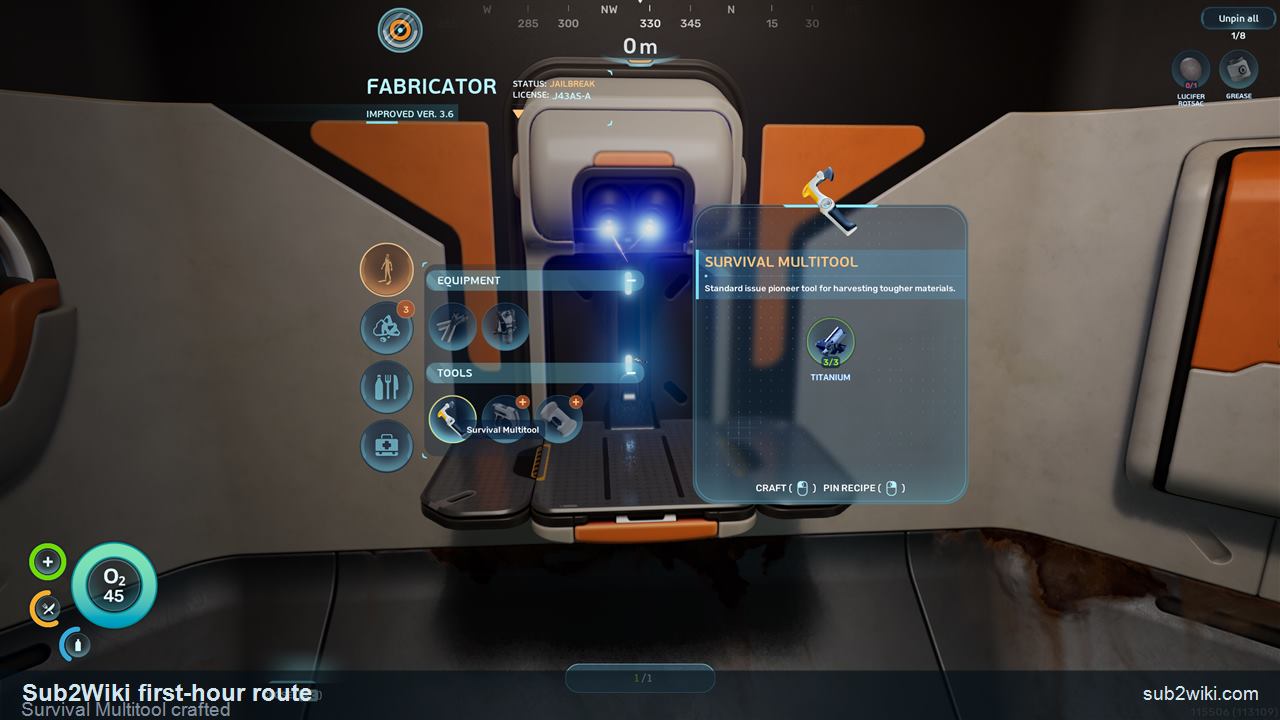
Subnautica 2 workbench crafting screen after making the Survival Multitool.
Back at the workbench, the Survival Multitool can be made with the Titanium you just collected.
Step 08

Return to the workbench and craft the Survival Multitool

After the short material dive, return to the workbench / Fabricator and craft the Survival Multitool. In this route, the Titanium pickup from the nearby loop is the key material that gets this first tool made. This is the point where the opening stops being only observation and becomes a repeatable gather-craft loop.
  • Return before turning the dive into a second objective.
  • Craft the Survival Multitool as soon as the pinned recipe is satisfied.
  • After crafting it, save again before starting the next resource or food-water step.
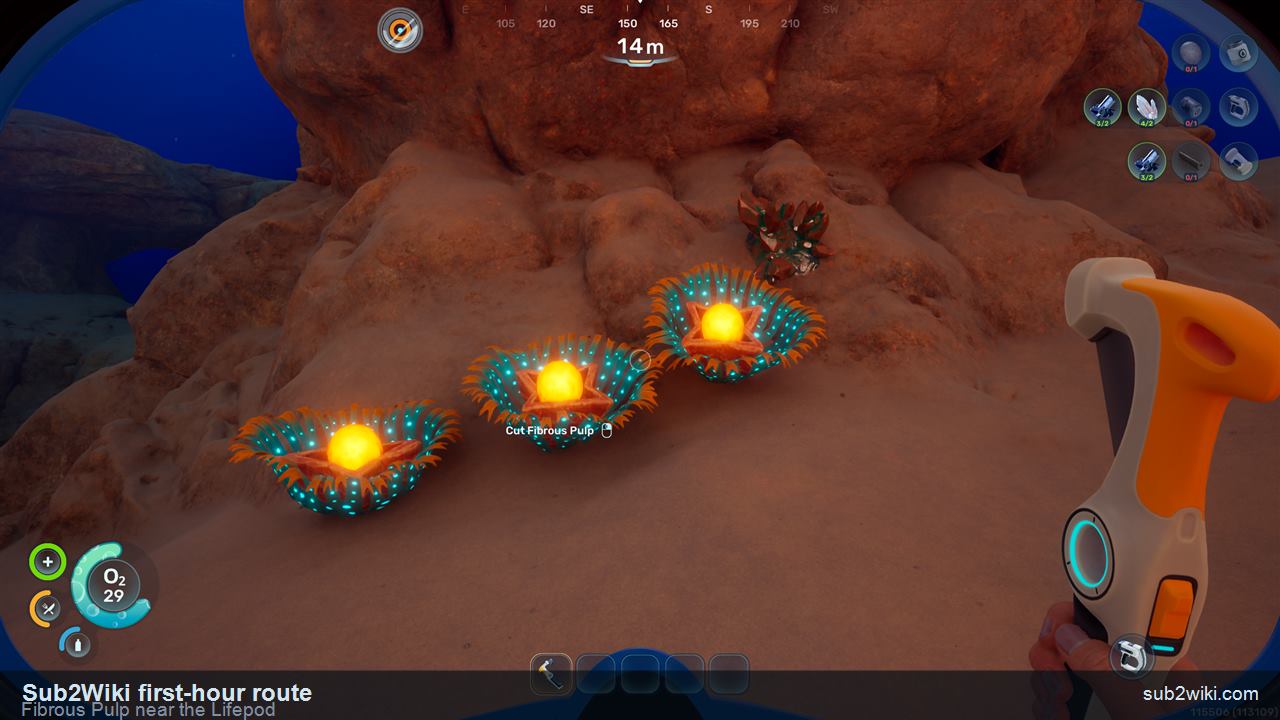
Subnautica 2 Fibrous Pulp pickup near the Lifepod with coordinates visible on the HUD.
Fibrous Pulp is still close to the Lifepod. Use the HUD coordinates and return direction to find the spot again.
Step 09

Collect Fibrous Pulp near the Lifepod

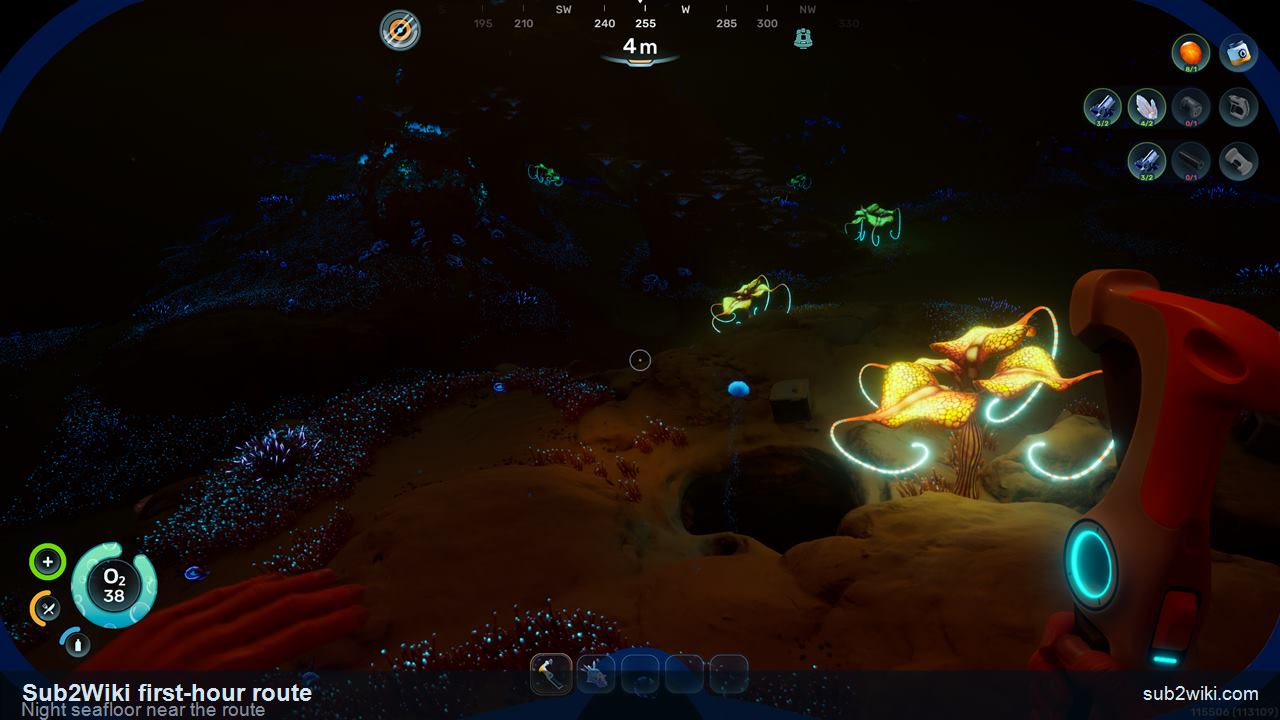
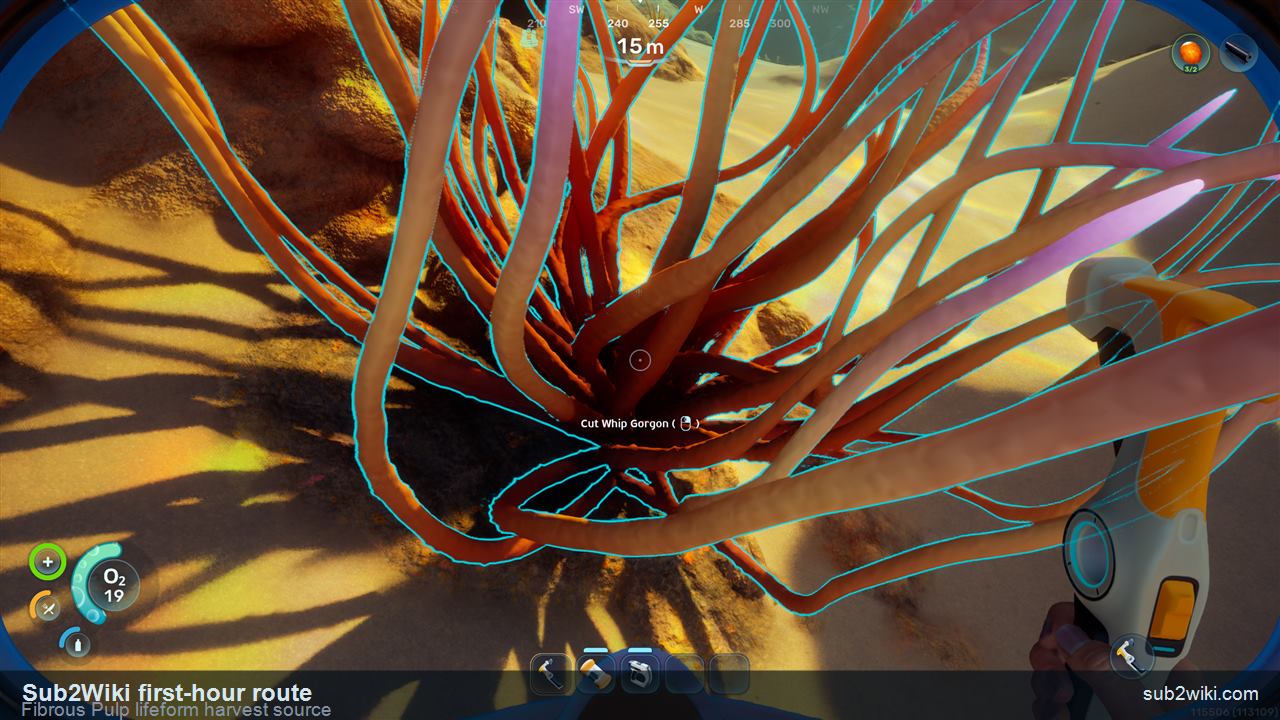
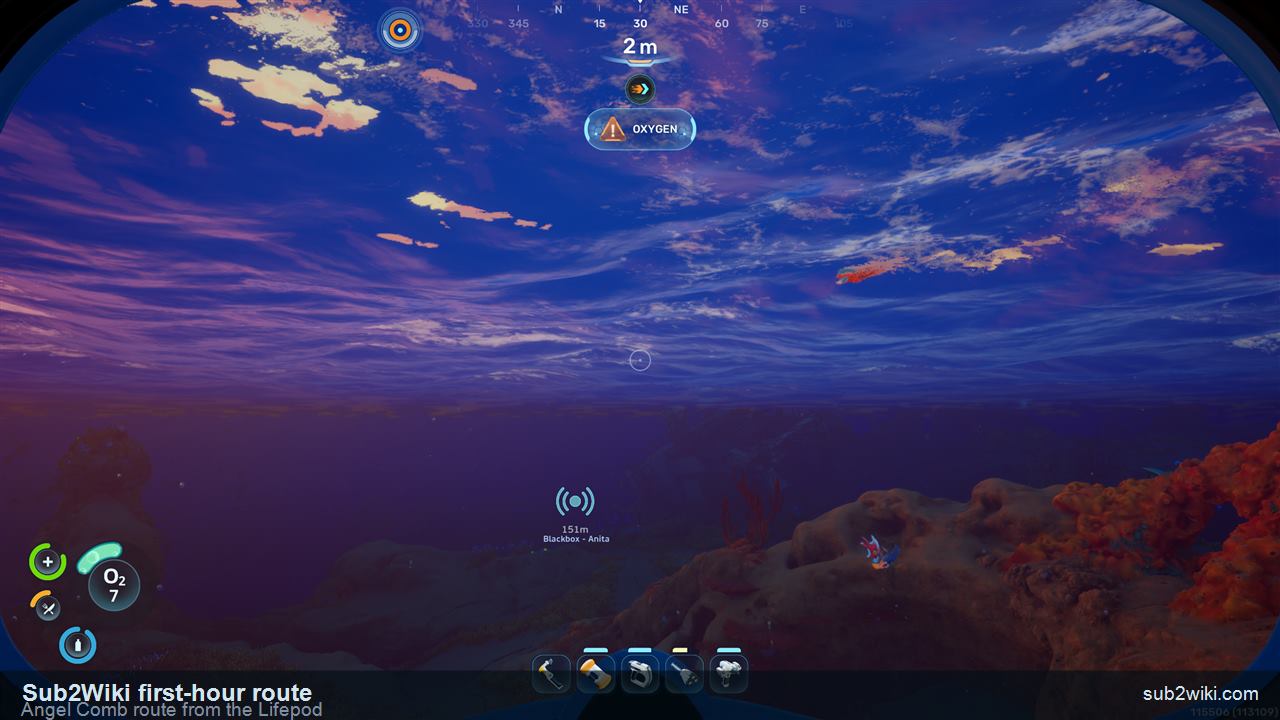
After making the Survival Multitool, keep the next pickup close: Fibrous Pulp can be gathered near the Lifepod in this route. Use the visible HUD coordinates as the practical reference point. A nearby living harvest source can also yield Fibrous Pulp, so check the shallow objects around the same path before turning this into a longer dive. If night arrives, the seafloor is genuinely beautiful, but landmarks get softer, so stay tied to the Lifepod direction and the coordinate readout.
  • Do not turn this into a long exploration dive yet.
  • Use the HUD coordinates to match the collection point.
  • Check nearby living harvest sources for extra Fibrous Pulp before leaving the starter loop.
  • At night, enjoy the view, then re-check oxygen and your return direction.
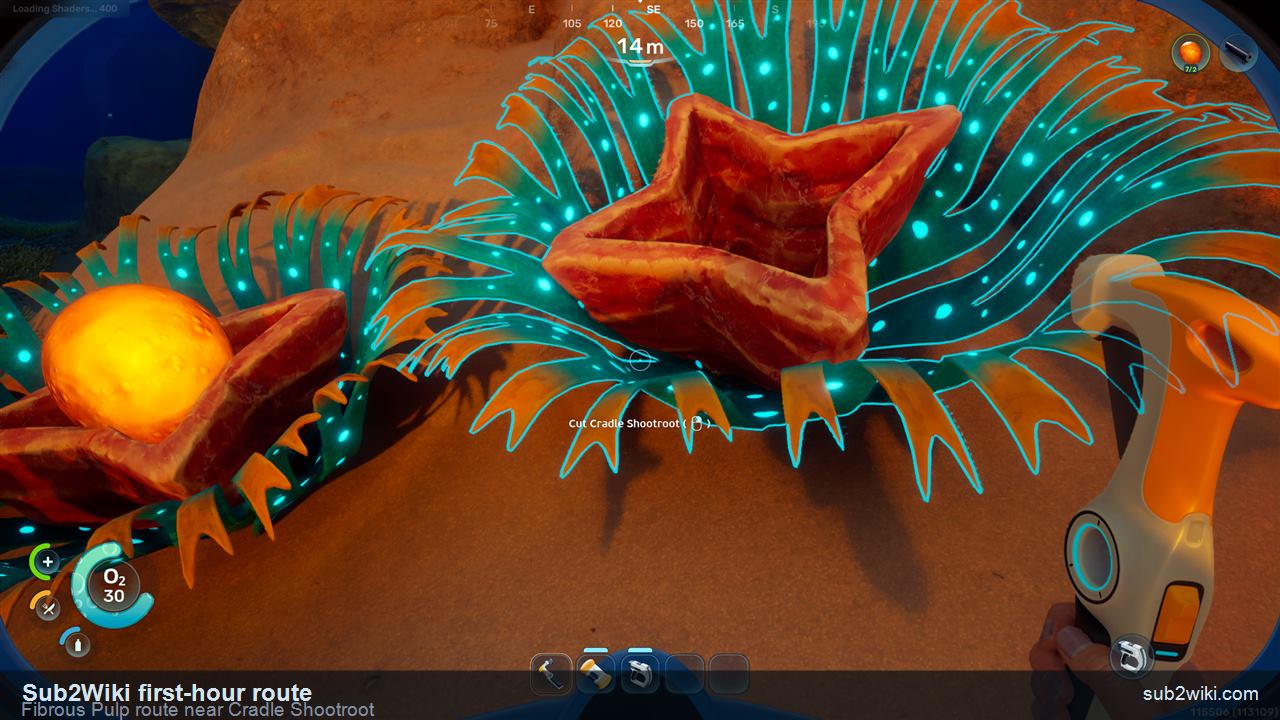
Subnautica 2 first-hour Fibrous Pulp route near Cradle Shootroot after the Lifepod material loop.
Cradle Shootroot is a useful landmark on the same early Fibrous Pulp route.
Subnautica 2 first-hour Fibrous Pulp harvest source shown on a living underwater organism.
Nearby living harvest sources can also yield Fibrous Pulp, so check more than one object before swimming farther out.
Subnautica 2 night seafloor view near the early material route.
If the tutorial pace carries you into night, the seafloor is beautiful. Just keep the return route in mind.
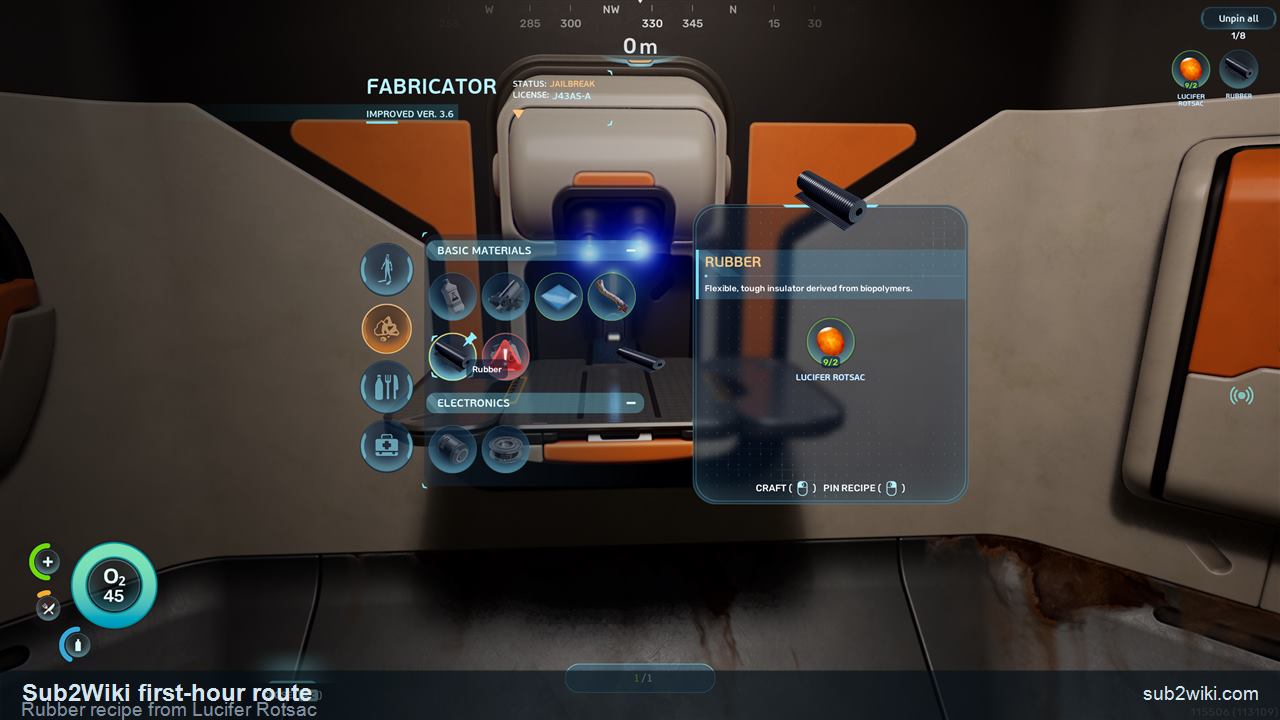
Subnautica 2 Fabricator screen showing the Rubber recipe from Lucifer Rotsac during the first-hour route.
The Fabricator turns Lucifer Rotsac into Rubber for the Basic Fins route.
Step 10

Craft Rubber and Fiber for Basic Fins

Once the plant pickups are back at the Fabricator, turn the route into movement gear prep. Make Rubber from Lucifer Rotsac and Fiber from Fibrous Pulp before opening the Basic Fins row, so the materials are ready when you need them.
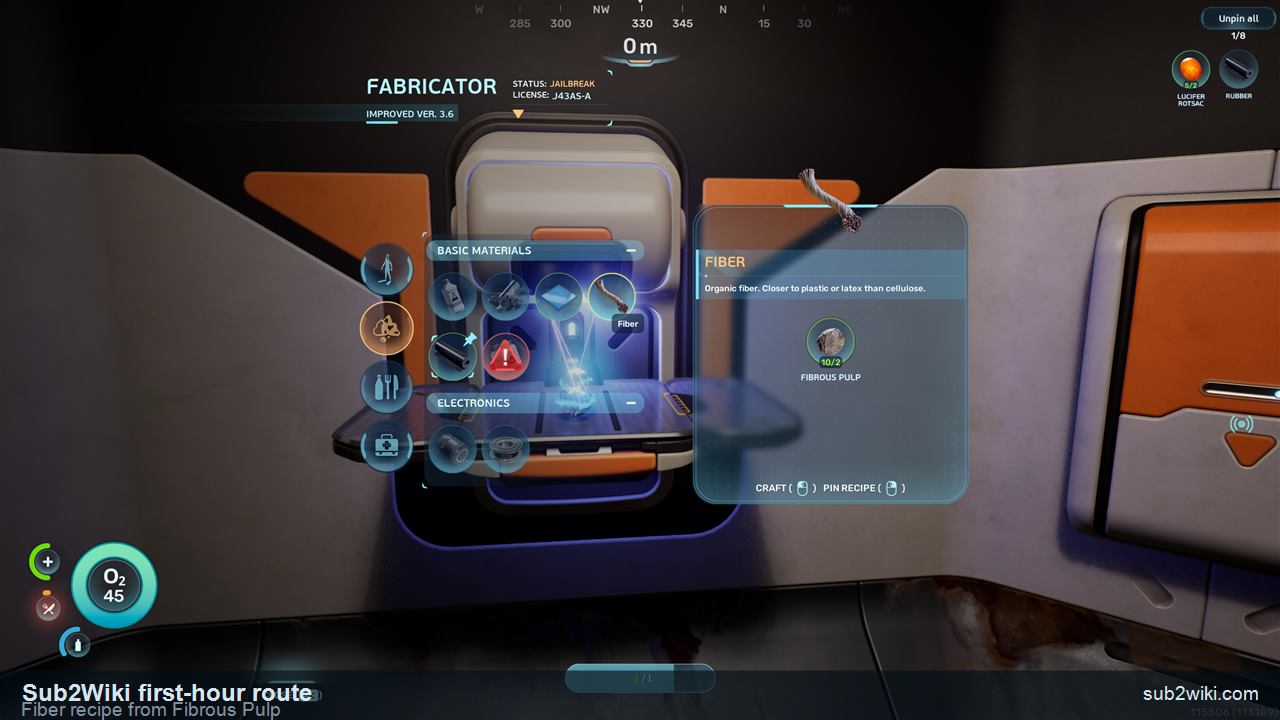
  • Make Rubber from Lucifer Rotsac.
  • Make Fiber from Fibrous Pulp.
  • Do these before crafting Basic Fins so the recipe row is already satisfied.
Subnautica 2 Fabricator screen showing the Fiber recipe from Fibrous Pulp.
The Fabricator turns Fibrous Pulp into Fiber, the second material you need before Basic Fins.
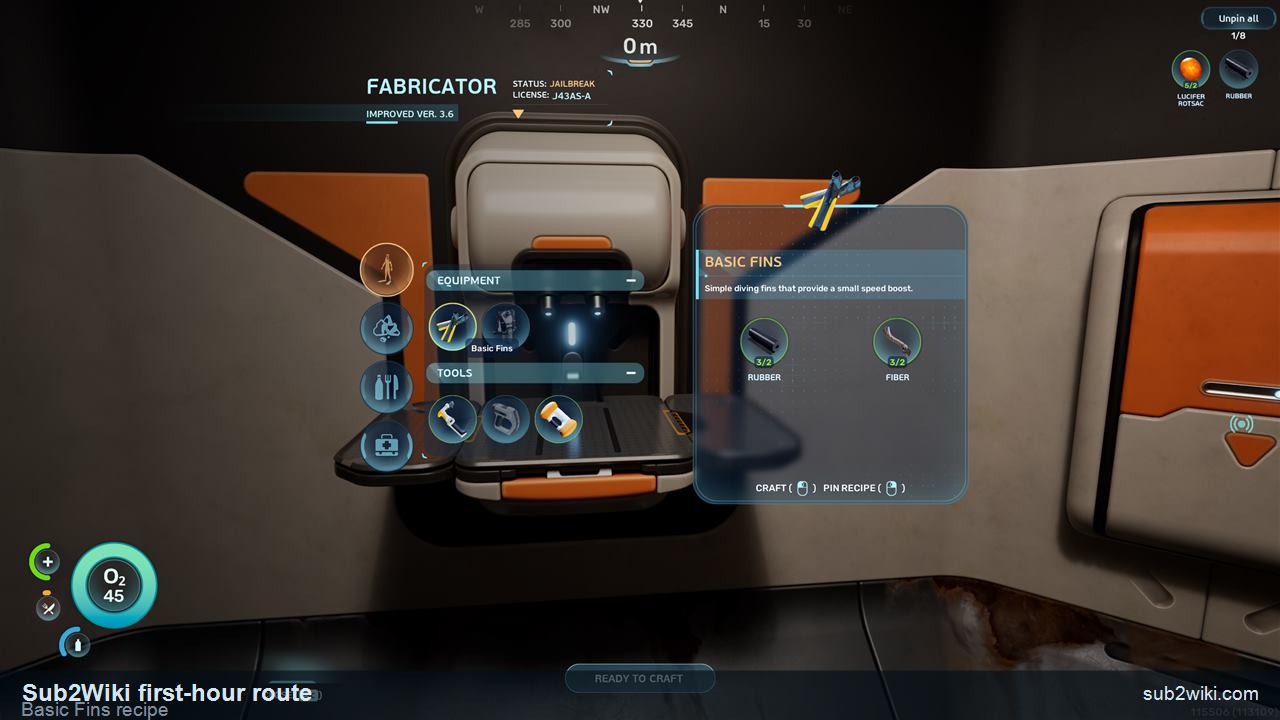
Subnautica 2 Fabricator screen showing Basic Fins ready to craft with Rubber and Fiber.
Basic Fins use Rubber and Fiber and give your first movement upgrade.
Step 11

Craft and equip Basic Fins

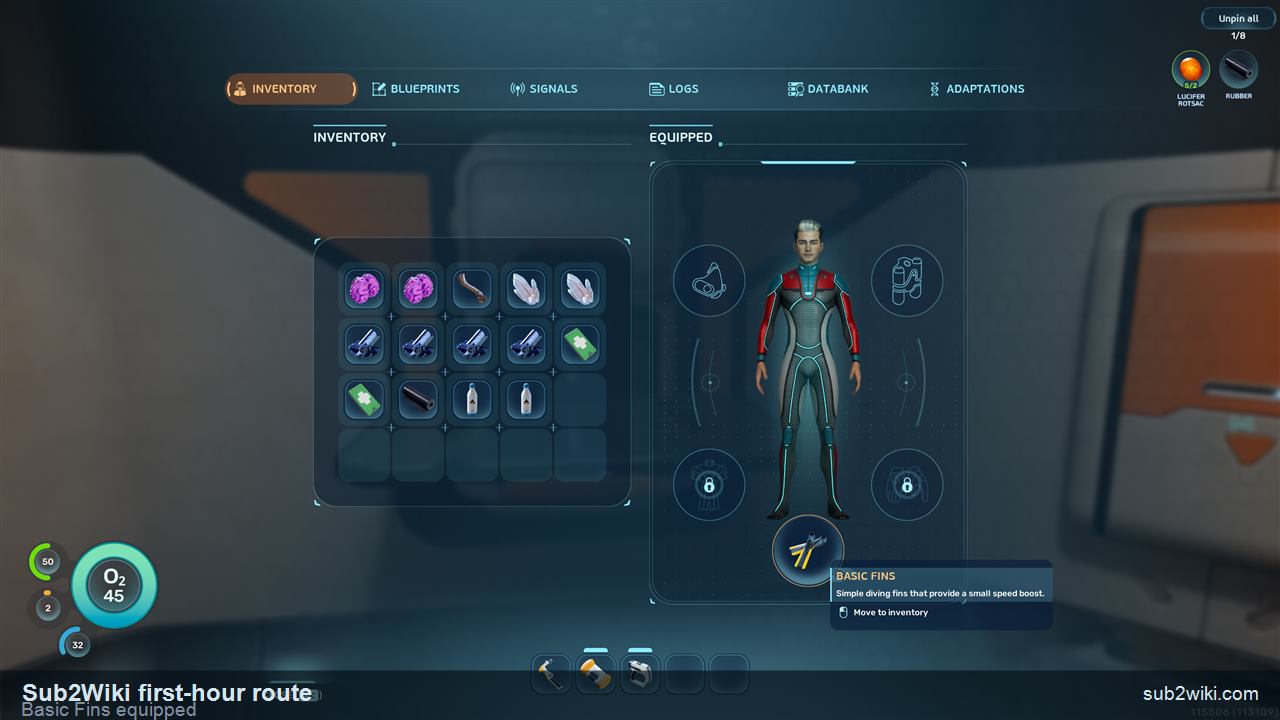
Craft Basic Fins as soon as Rubber and Fiber are ready, then equip them from your inventory. The small speed boost matters immediately because every nearby material return and oxygen loop becomes less punishing.
  • Basic Fins are starter mobility gear, not a deep-route luxury.
  • The small speed boost makes repeated oxygen loops and nearby material returns less punishing.
  • After equipping them, continue the first-hour route with storage and powered-tool prep.
Subnautica 2 inventory screen showing Basic Fins equipped after crafting.
Equip Basic Fins after crafting them so the swim speed boost is active.
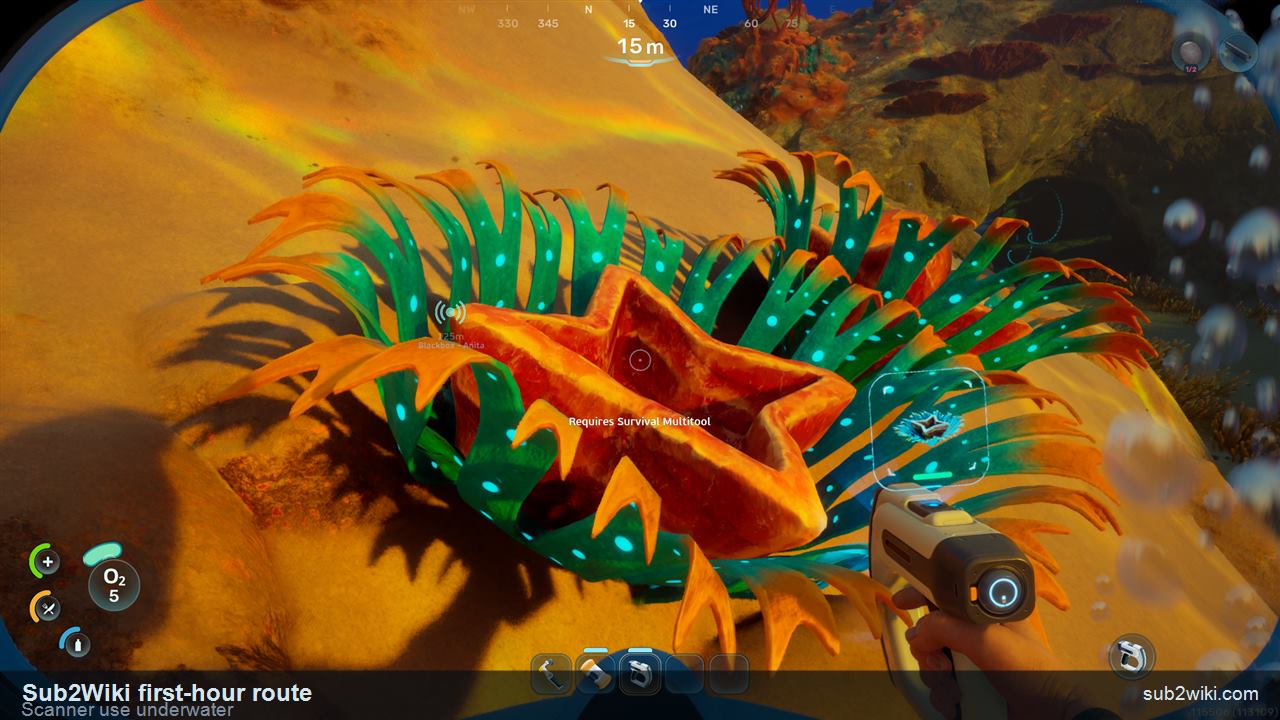
Subnautica 2 first-hour underwater Scanner use during the early Water Slug route.
Use the Scanner during the same safe loop instead of turning this into a long exploration dive.
Step 12

Use the Scanner, catch a Water Slug, and craft Water

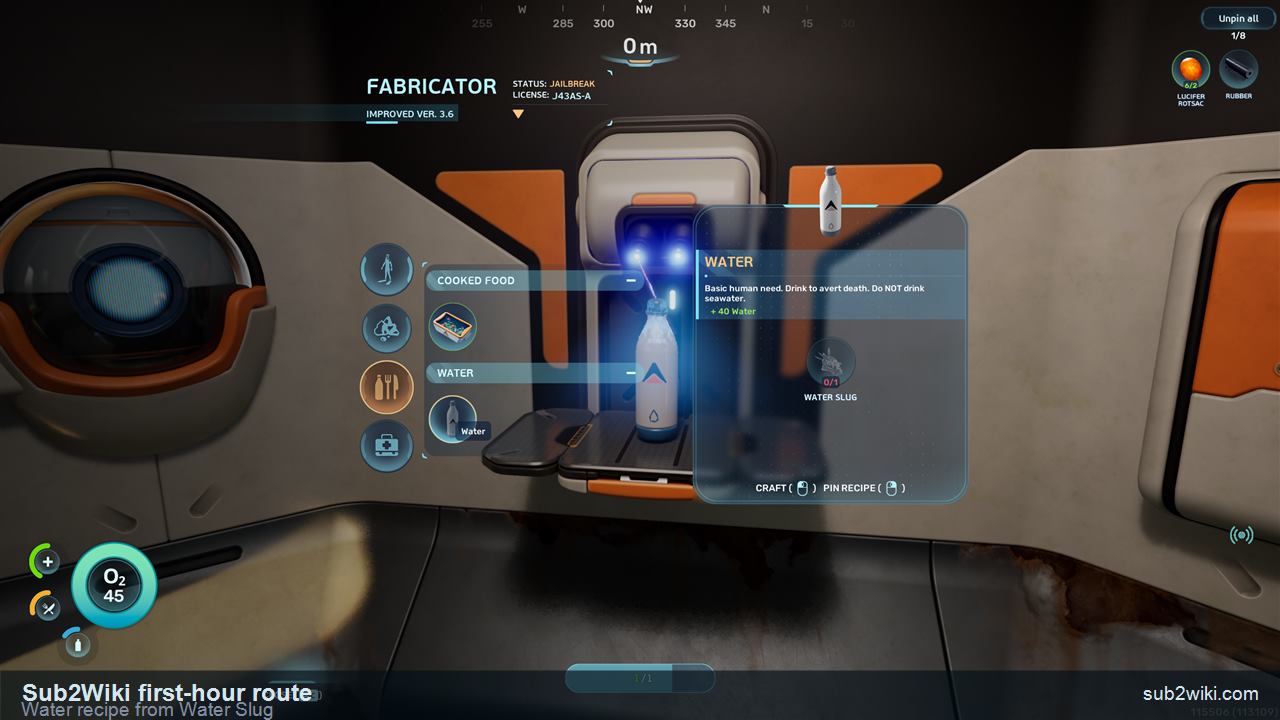
After Basic Fins, keep the next survival loop practical: use the Scanner while you are already underwater, catch a Water Slug, then return to the Fabricator and craft Water. This gives the route an early hydration answer before you start stretching farther from the Lifepod.
  • Use the Scanner during the short safe loop; do not let scanning pull you away from the return route.
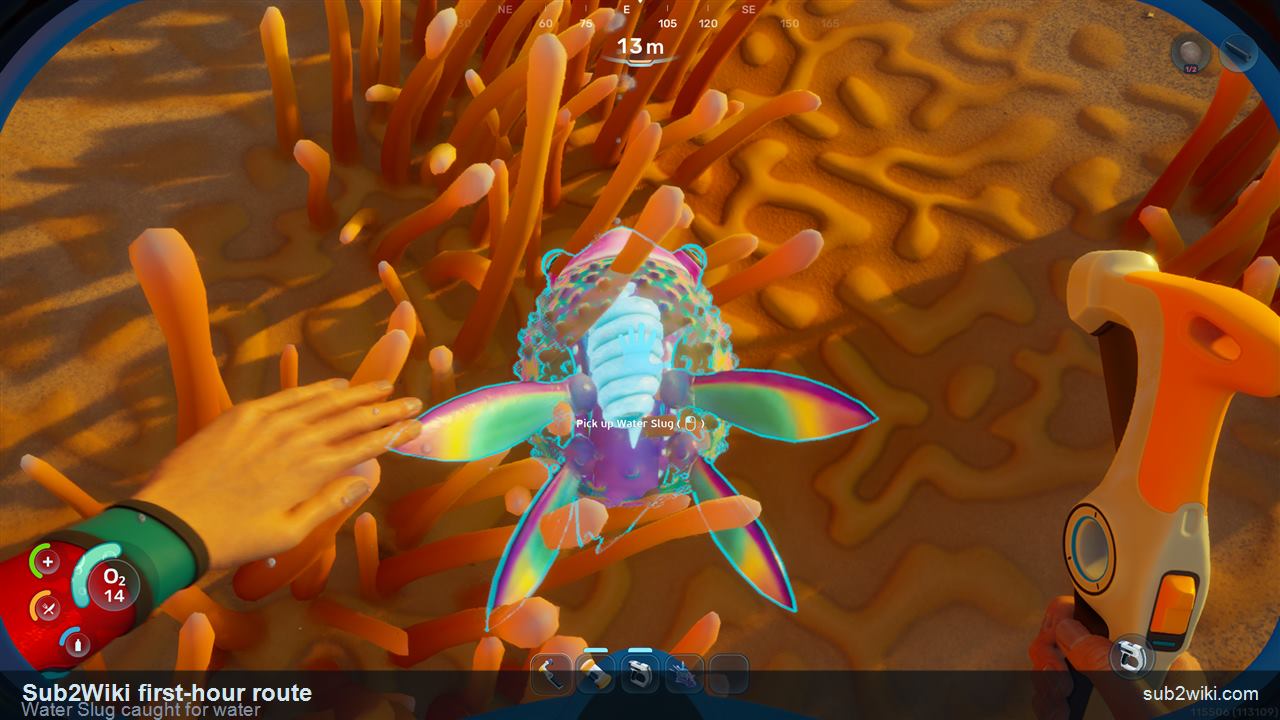
  • Catch a Water Slug as the ingredient for the first crafted Water step.
  • Craft Water from Water Slug before your hydration gets uncomfortable.
Subnautica 2 first-hour Water Slug caught for the water crafting route.
Catch a Water Slug during the short starter loop, then bring it back to the Fabricator.
Subnautica 2 Fabricator screen showing Water crafted from Water Slug.
Water Slug can be crafted into Water at the Fabricator for +40 Water.
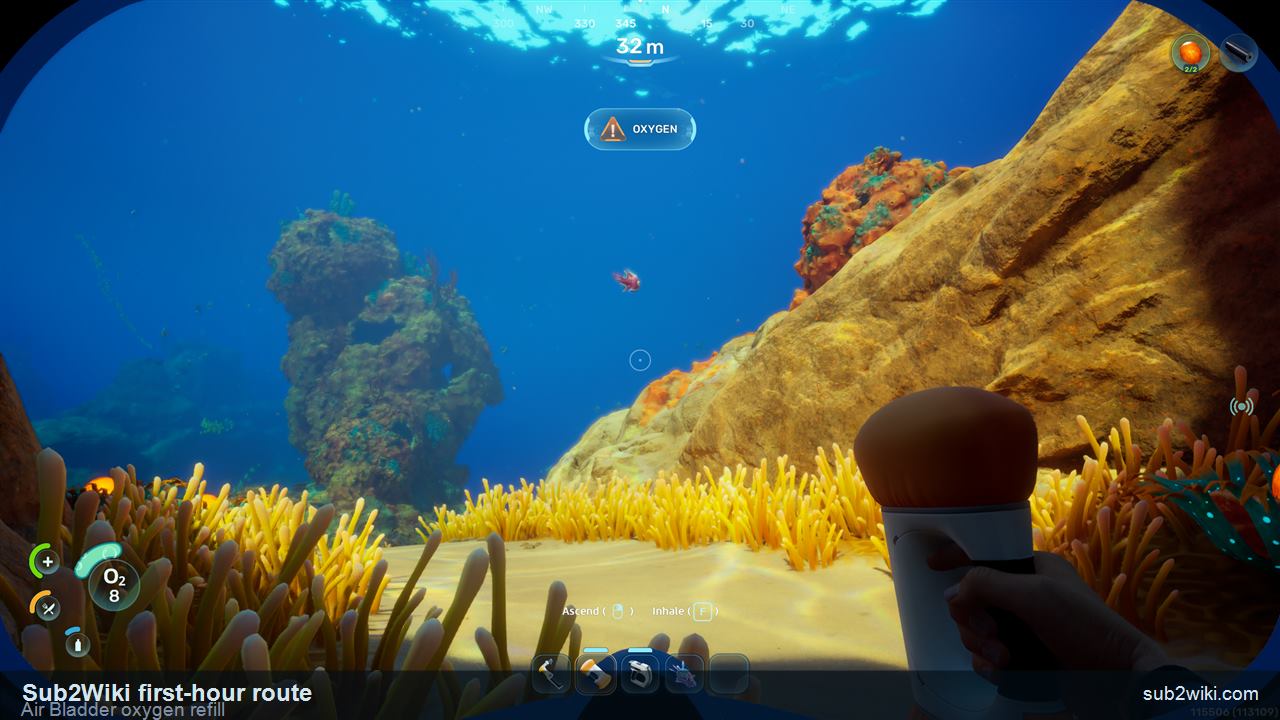
Subnautica 2 Air Bladder interface showing Oxygen and Inhale with the F key prompt.
Select the Air Bladder underwater, press F for oxygen, or right-click for fast ascent.
Step 13

Use Air Bladder oxygen and fast ascent

When you are underwater, select the Air Bladder from the hotbar and press F to inhale oxygen from it. Right-click is the fast-ascent action when you need to escape upward. After you surface, the Air Bladder refills its stored oxygen automatically, so the blue Air Bladder bar is a reusable emergency buffer rather than a one-time consumable. Treat this as mistake recovery, not permission to ignore the surface route.
  • Hotkey to the Air Bladder underwater when oxygen gets tight.
  • Press F to inhale from the Air Bladder.
  • Right-click with Air Bladder selected for a fast ascent.
  • Surface afterward; the Air Bladder refills to full oxygen at the surface.
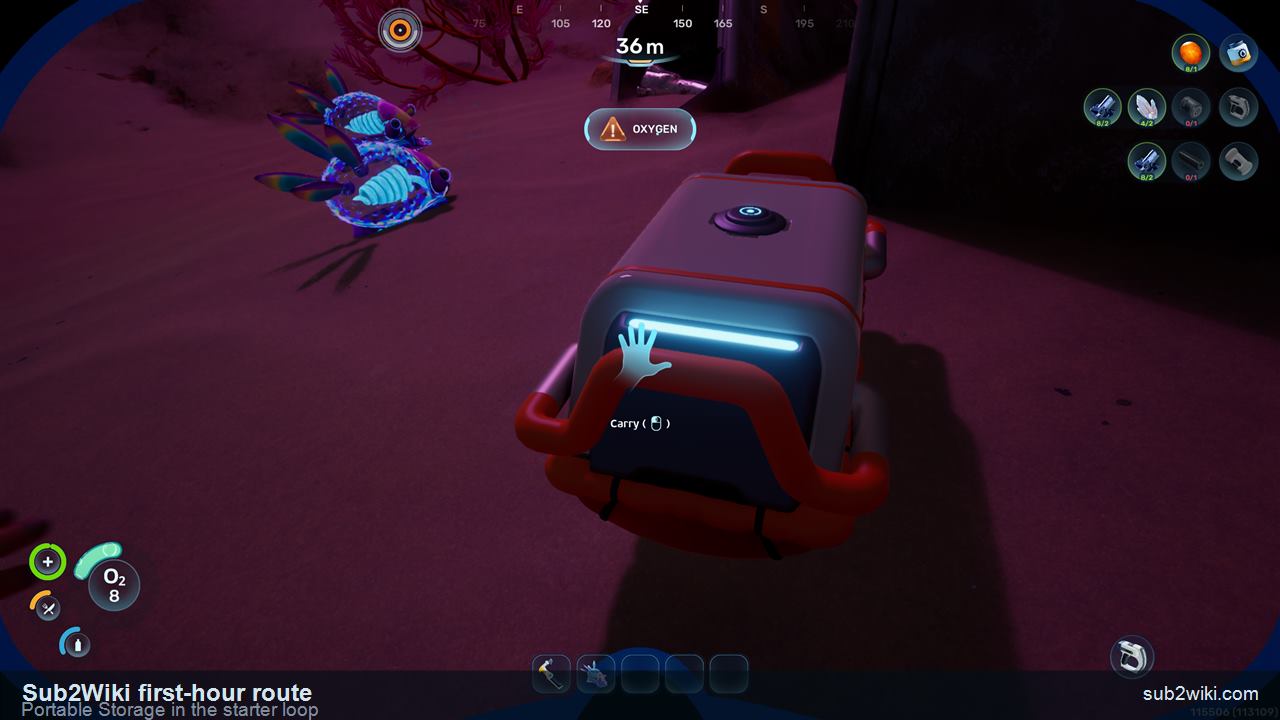
Subnautica 2 Portable Storage in the early starter loop.
Portable Storage gives the first material loop a place to breathe before a real base is ready.
Step 14

Make Portable Storage before the inventory squeeze

Once the first materials and tools start piling up, make Portable Storage. This is the early answer to the first inventory squeeze: it keeps Titanium, Quartz, battery parts, food, and spare tool ingredients from turning every dive into a sorting problem. Treat it as temporary starter infrastructure, not a final base plan.
  • Use it to separate raw materials from tools and consumables.
  • Keep it close to the Lifepod / Fabricator route so returns stay short.
  • Do not over-organize yet; the goal is to avoid dropping useful materials.
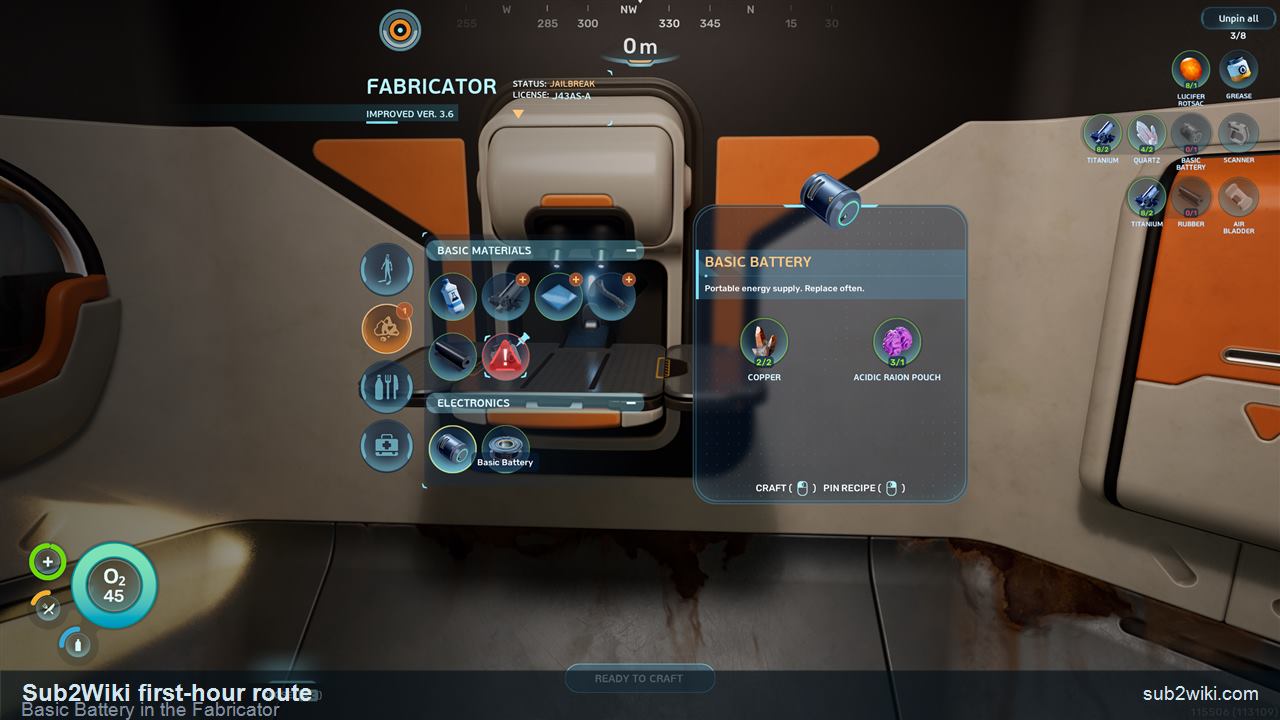
Subnautica 2 Fabricator screen showing Basic Battery ready to craft.
Basic Battery is an early portable power craft for the tool chain.
Step 15

Craft a Basic Battery for the tool chain

Back at the Fabricator, the next useful electronics step is Basic Battery. This route uses Copper and Acidic Raion Pouch for the battery chain, which keeps powered tools from becoming the next blocker.
  • The Basic Battery feeds the early powered-tool chain.
  • This is why pinned recipes are useful: the Fabricator screen and the HUD checklist stay connected.
  • If a material row is short, go back to short safe loops instead of wandering far.
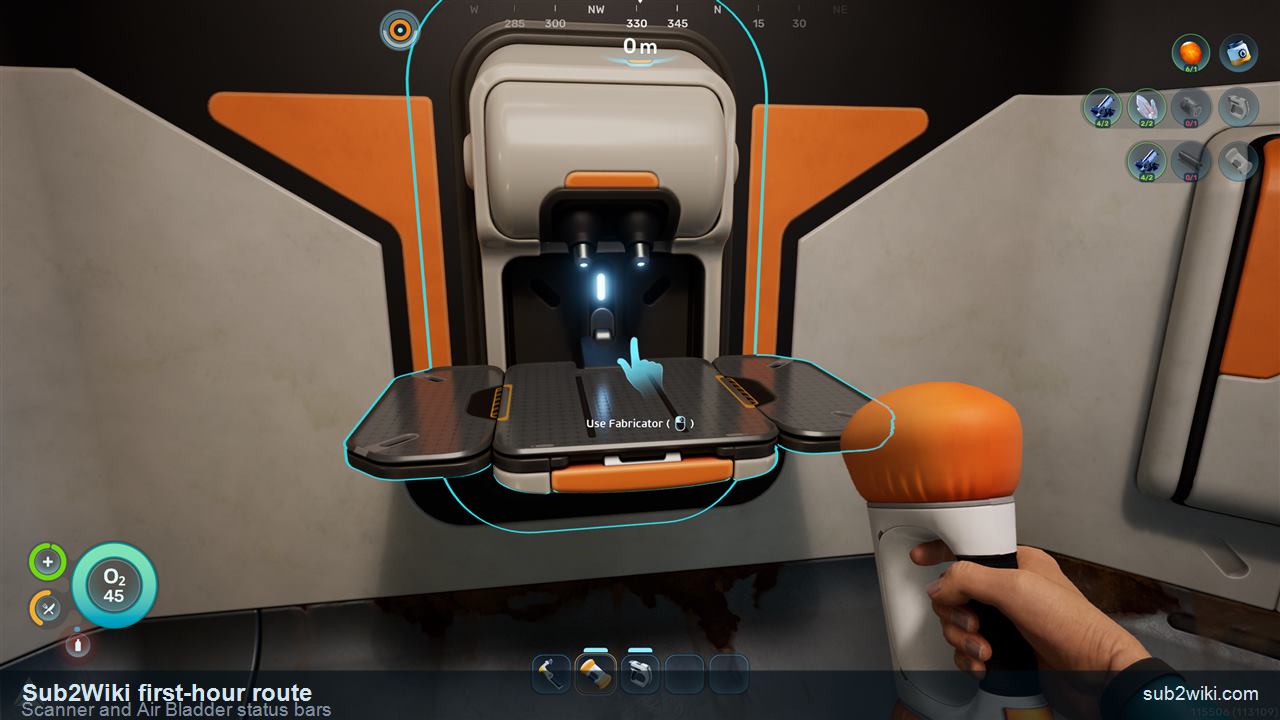
Subnautica 2 hotbar showing Scanner and Air Bladder with blue status bars.
The blue bar above Scanner is battery charge. The blue bar above Air Bladder is its stored oxygen.
Step 16

Read the Scanner and Air Bladder blue bars correctly

After the extra tools are made, look at the hotbar carefully. The blue bar above the Scanner is its battery charge, not durability. The blue bar above the Air Bladder is its oxygen amount, so it changes as the tool is filled and used. This is an important UI detail because both tools can look "ready" while their blue bars tell a more specific story.
  • Scanner blue bar: remaining battery charge.
  • Air Bladder blue bar: stored oxygen amount.
  • Before a longer dive, check both bars instead of only checking that the tool icon is present.

Pick your first-session style

SO
Solo player

Keep the first loop compact: save, gather, surface, craft, repeat. A clean return route matters more than speed.

2P
Two-player group

One player checks NOA, Fabricator, and recipe pins while the other scouts the nearby Titanium and Quartz spots, then both return before oxygen gets tight.

4P
Full 4-player group

Split roles early: one on station checks, one on storage, two on short material dives. Regroup before crafting so nobody duplicates the same job.

RT
Returning veteran

Do not trust memory too hard. Read the new UI, respect corrupted Fabricator rows, and let pinned Blueprints drive the first material pass.
Titanium pickup near the starting area after the Subnautica 2 prologue
Start with nearby Titanium
Short, safe loops beat long dives before the first tools.
Quartz pickup near the starting area after the Subnautica 2 prologue
Mark the Quartz spot too
Pinned Blueprints make it obvious when you have enough.