Tab opens the PDA
The first PDA tabs are Inventory, Blueprints, Signals, Logs, Databank, and Adaptations.
Keyboard, mouse, hotbar, PDA, Xbox controller, Steam Input, and remapping notes. The first keys that matter are simple: Tab opens the PDA, left mouse uses prompts, hold Space rises in water, and 1-5 select the hotbar slots.
Last reviewed 2026-06-06.
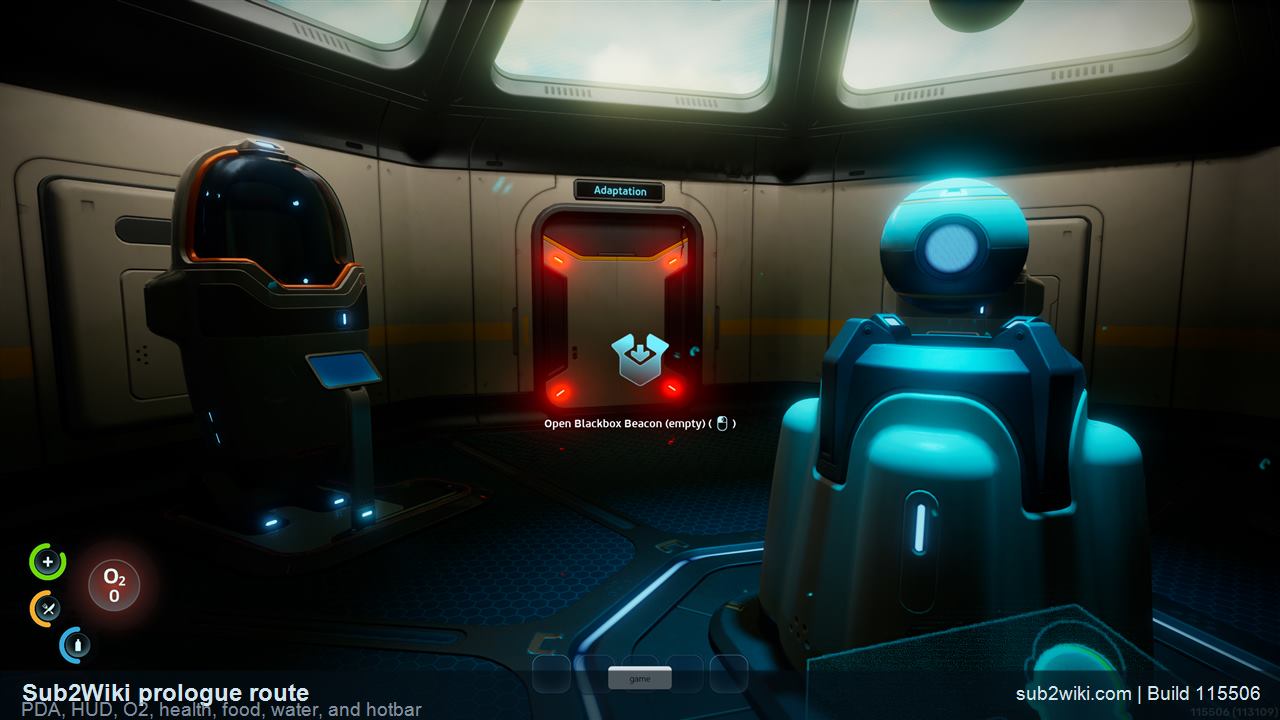
The first PDA tabs are Inventory, Blueprints, Signals, Logs, Databank, and Adaptations.
NOA, the O2 restore point, the Aid Kit, Water, biological bed, and the red release devices all use prompt interaction.
This is the key that saves the first dive when your angle is wrong and O2 is draining.
The five bottom circles match number keys 1 through 5. Drag the Aid Kit there from Inventory if you want it ready.
| Action | Key | Notes |
|---|---|---|
| Move | W A S D / Arrow Keys | Confirmed in the prologue for basic movement. |
| Look / aim prompts | Mouse | Use the mouse to aim at NOA, supplies, the biological bed, and release devices. |
| Interact with prompt | Left Mouse | Used for NOA, Aid Kit, Water, O2 restore, biological bed, and red release devices in the opening route. |
| Open PDA | Tab | Opens Inventory, Blueprints, Signals, Logs, Databank, and Adaptations in the prologue. |
| Swim up | Hold Space | Rises in water. This is the fast correction when O2 is low. |
| Quick slots | 1 - 5 | Matches the five bottom hotbar circles. The Aid Kit can be dragged here from Inventory. |
| Pause / settings | Esc | Use this for menus and control checks. |
| Swim down / crouch | C or Ctrl | Check the current Controls menu before relying on a fixed descend bind. |
| Sprint / boost | Shift | Check the current Controls menu; the prologue route itself teaches movement more than speed. |
| Use tool / primary action | Left Mouse | Tool use may share the same primary input as prompt interaction. |
| Secondary action | Right Mouse | Context-specific and tool-specific. Confirm per item after the prologue. |
| Map / signal pings | M | Subnautica 2 map and signal behavior belongs to in-game checks after the opening route. |
| Voice chat push-to-talk | V or T | Co-op only. Confirm the active bind before hosting a long session. |
For the opening route on PC keyboard and mouse: WASD or arrow keys move, the mouse aims, left mouse interacts with prompts, Tab opens the PDA, hold Space rises in water, and 1-5 select the five hotbar slots. Check the Controls menu for descend, sprint, scanner, and later tool-specific binds.
Press Tab on PC. In the prologue, the PDA shows Inventory, Blueprints, Signals, Logs, Databank, and Adaptations.
Hold Space on PC keyboard. This matters in the first underwater route because O2 drains constantly while you are underwater.
The five bottom hotbar circles map to number keys 1, 2, 3, 4, and 5. In the prologue, the Aid Kit can be dragged from Inventory into one of those slots.
Xbox controllers work through the normal PC and Steam Input routes. Button prompts and exact menu flow should still be checked in the current build before a long save.
Xbox mouse-and-keyboard support should be checked on the console build. Until the active console menu confirms it, assume an Xbox controller is the supported default on Xbox Series X|S.
Use the in-game Controls menu first. Remap after the prologue if possible, because the opening route quickly shows which keys you actually press: Tab, left mouse, Space, movement, and 1-5.
Controls make the most sense inside the opening route and first-hour plan.
PDA, NOA, O2, hotbar, first dive, biological bed, black box, and Launch.
What to do after Launch and the opening route.
O2 habits, depth planning, and safer underwater routes.
Co-op session basics, voice chat options, and 4-player coordination.